


Far Cry® Primal
- Genres
- Action · Adventure
- Release
- Feb 29, 2016
- Developer
- Ubisoft
- Metacritic
Lowest price across all offers
from $5.74490 ₽
Offers
The price depends on the platform and the activation region.
- WorldwideWorks in RussiaFar Cry Primal$5.74490 ₽1
- —Not for RussiaFar Cry Primal$6.41550 ₽1
- Worldwide, except 1 countryWorks in RussiaFar Cry: Primal (WW, except MD)
except 1 country
Moldova
$6.53560 ₽1 - EuropeNot for RussiaFar Cry Primal$6.60570 ₽1
- CISCIS regionFar Cry Primal$8.26710 ₽1
About the game
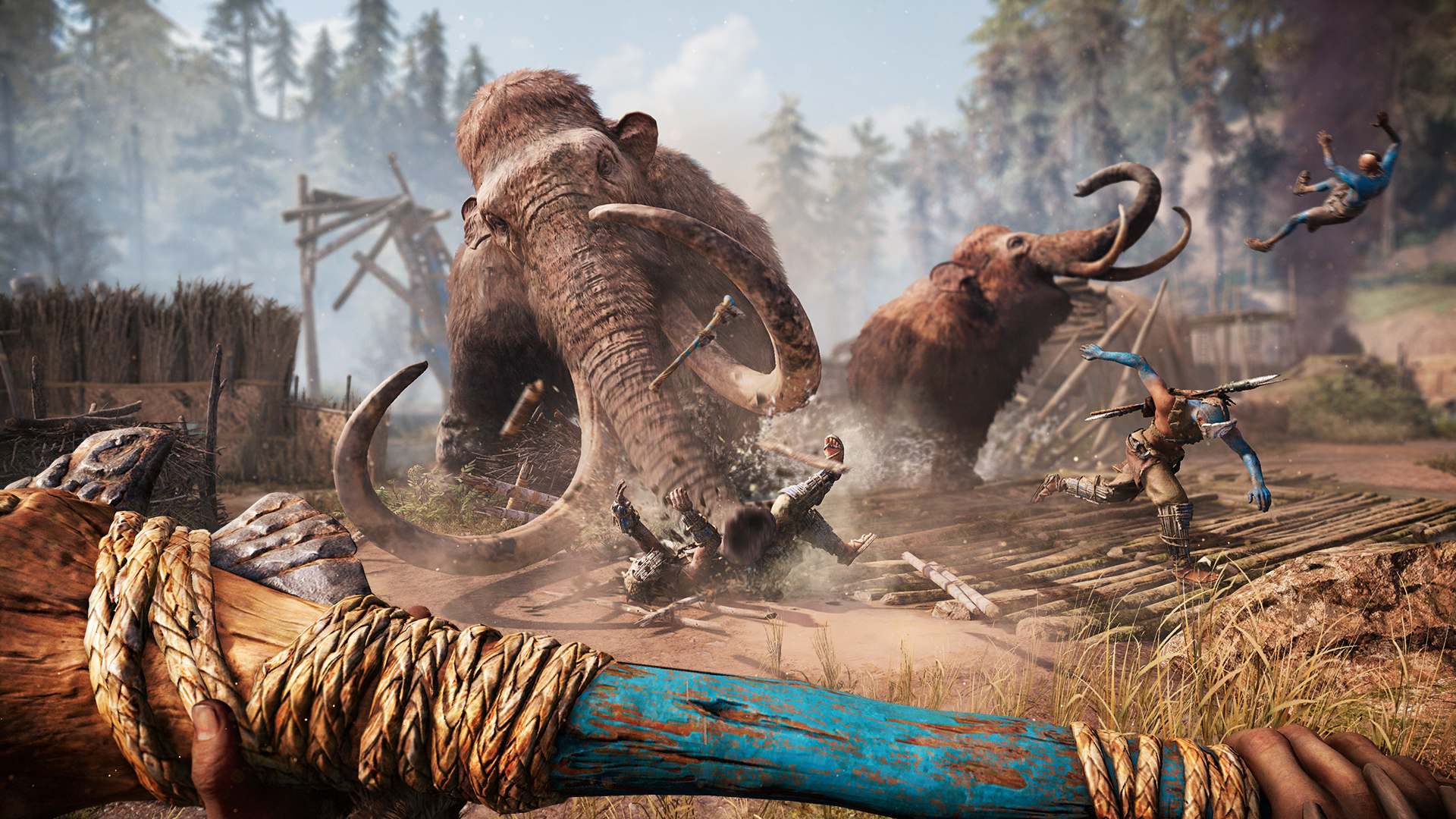
The award-winning Far Cry franchise returns with its innovative open world gameplay, bringing together massive beasts, breathtaking environments, and unpredictable savage encounters. Welcome to the Stone Age, a time of danger and adventure.
Screenshots
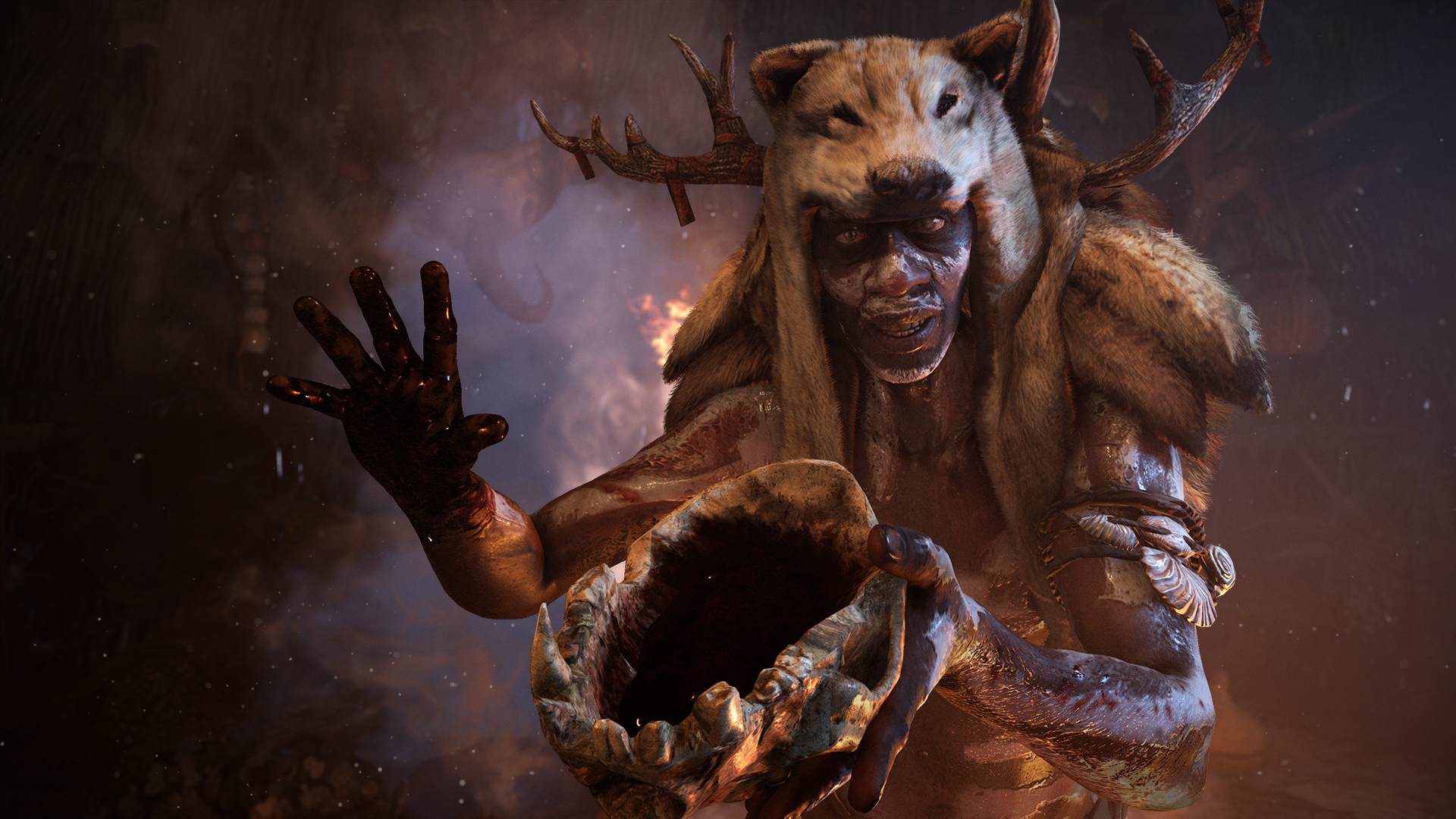
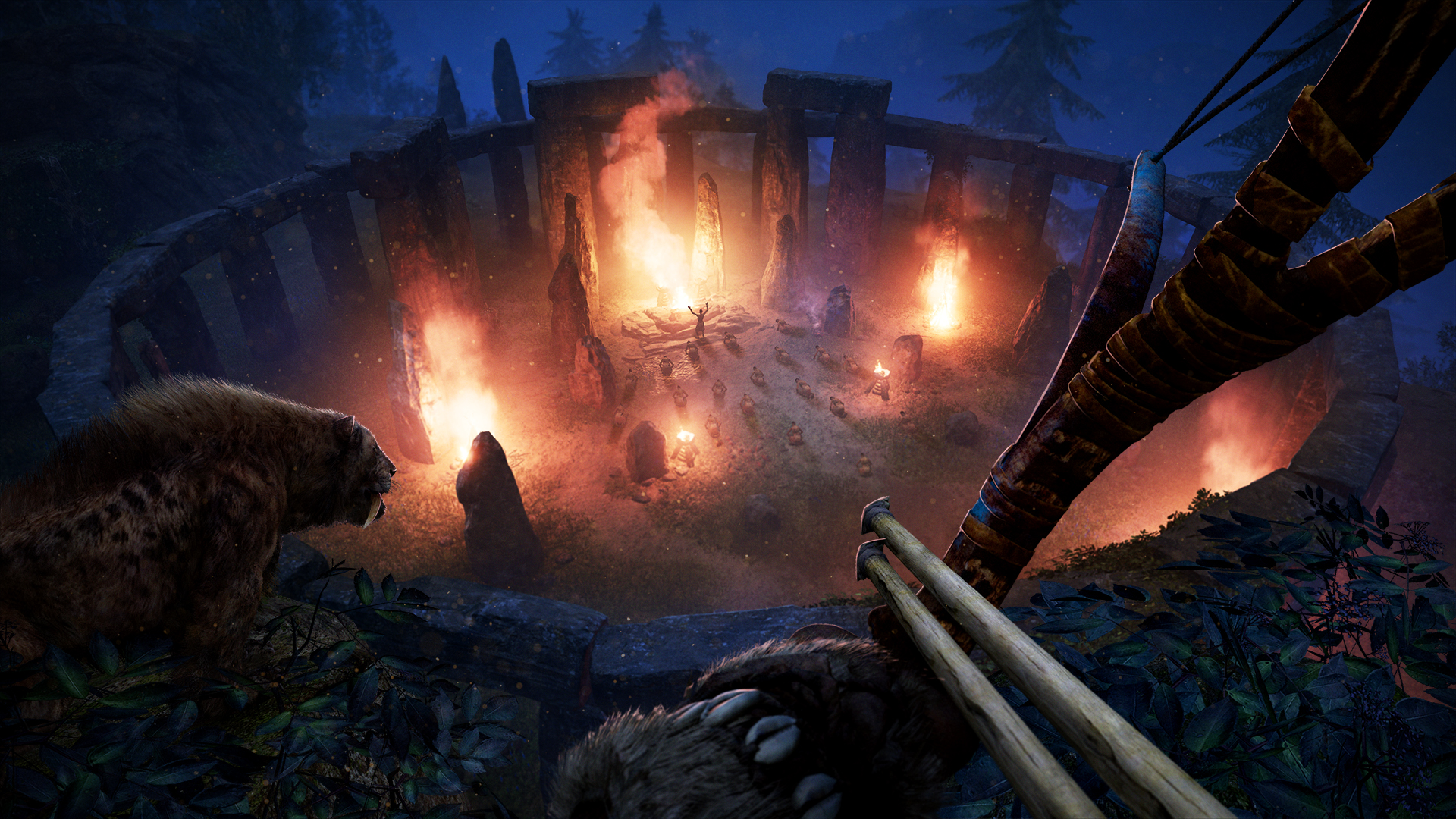
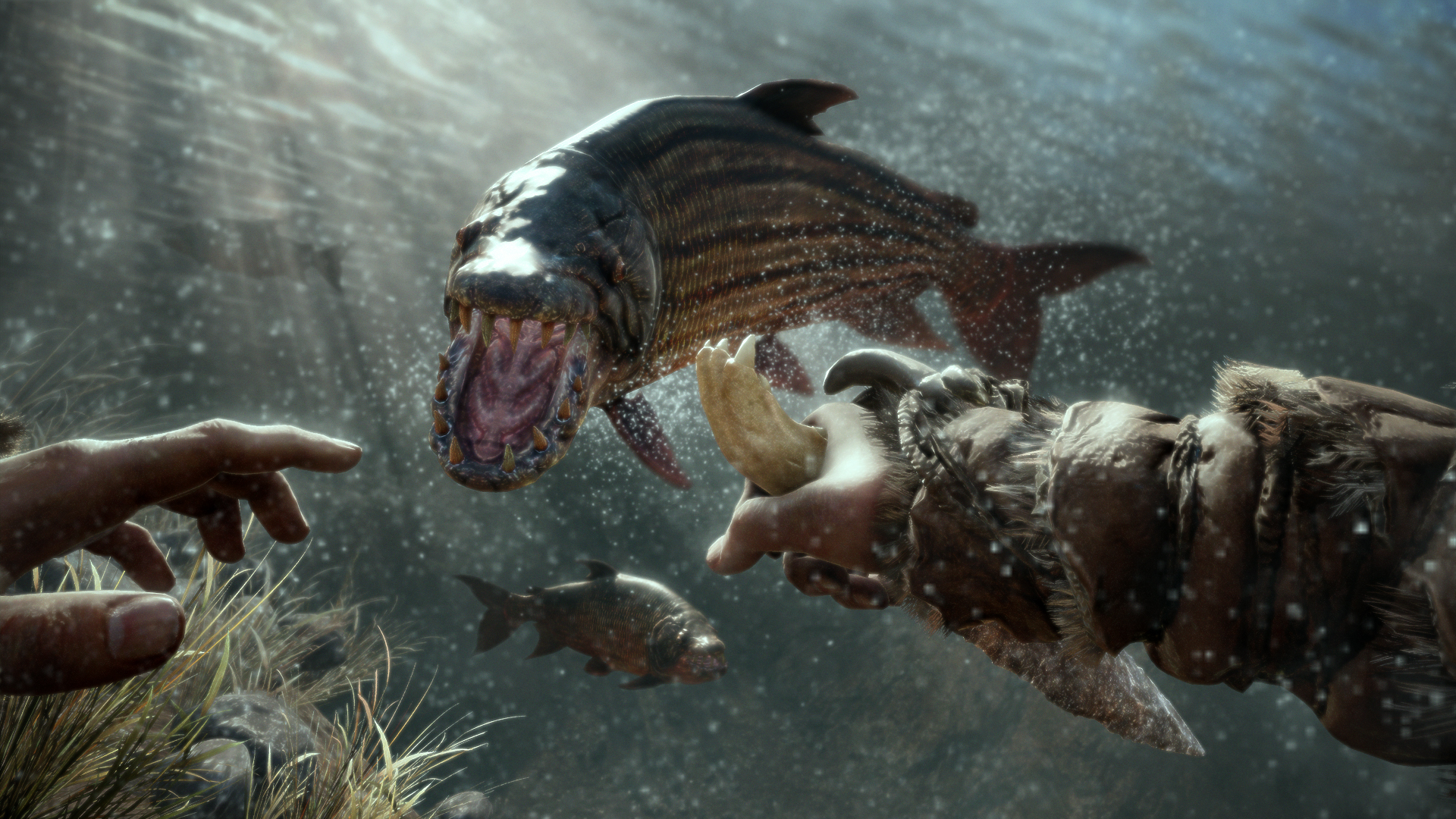

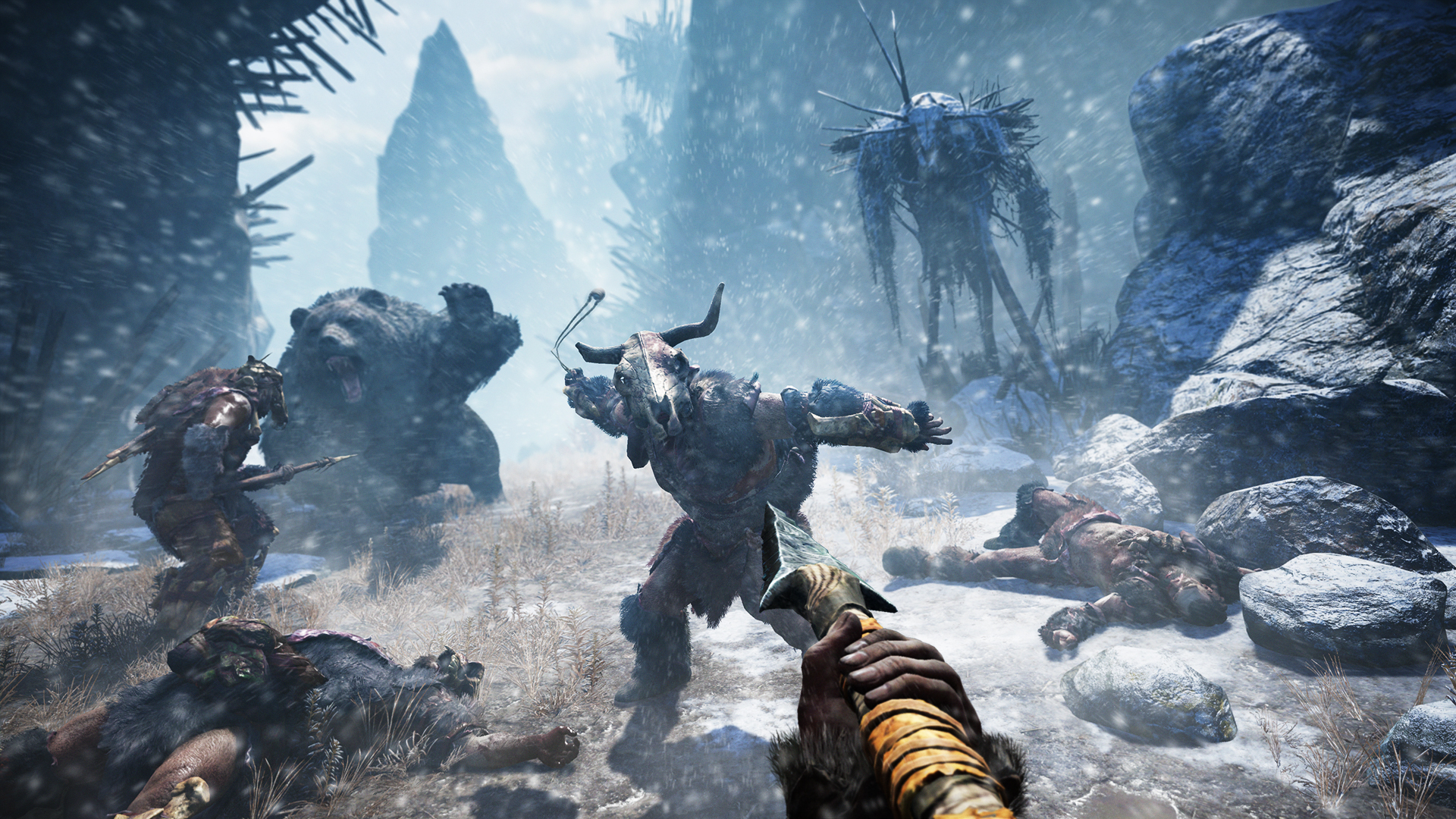


System requirements
Minimum
• OS: Windows 10 (64-bit versions only) • Processor: Intel Core i3-550 | AMD Phenom II X4 955 or equivalent • Memory: 4 GB RAM • Graphics: NVIDIA GeForce GTX 460 (1GB VRAM) | AMD Radeon HD 5770 (1GB VRAM) or equivalent • Storage: 20 GB available space • Additional Notes: Windows-compatible keyboard, mouse, headset, optional controller. Supported Video Cards at Time of Release: AMD Radeon™ HD 5770 (1 GB VRAM) or better, HD 7000 / 200 / 300 / Fury X series, NVIDIA® GeForce® GTX 460 (1 GB VRAM) or better, GTX 500 / 600 / 700 / 900 / TITAN series. Note: This product supports 64-bit operating systems only. Laptop versions of these cards may work, but are not officially supported. For the most up-to-date requirement listings, please visit the FAQ on our support website at . HIGH SPEED INTERNET ACCESS AND A VALID UPLAY ACCOUNT REQUIRED TO ACTIVATE THE GAME AFTER INSTALLATION, TO AUTHENTICATE YOUR SYSTEM AND CONTINUE GAMEPLAY AFTER ANY RE-ACTIVATION, TO ACCESS ONLINE FEATURES AND TO UNLOCK EXCLUSIVE CONTENT. SUCH CONTENT MAY ONLY BE UNLOCKED ONE SINGLE TIME WITH A UNIQUE KEY. YOU MUST BE AT LEAST 13 TO CREATE A UPLAY ACCOUNT WITHOUT PARENTAL CONSENT. UBISOFT MAY CANCEL ACCESS TO ONE OR MORE SPECIFIC ONLINE FEATURES UPON 30-DAYS PRIOR NOTICE, PUBLISHED AT . Game contains Denuvo anti-tamper technology.
Recommended
• OS: Windows 10 (64-bit versions only) • Processor: Intel Core i7-2600K | AMD FX-8350 or equivalent • Memory: 8 GB RAM • Graphics: NVIDIA GeForce GTX 780 | AMD Radeon R9 280X or equivalent • Storage: 20 GB available space • Additional Notes: Windows-compatible keyboard, mouse, headset, optional controller. Supported Video Cards at Time of Release: AMD Radeon™ HD 5770 (1 GB VRAM) or better, HD 7000 / 200 / 300 / Fury X series, NVIDIA® GeForce® GTX 460 (1 GB VRAM) or better, GTX 500 / 600 / 700 / 900 / TITAN series. Note: This product supports 64-bit operating systems only. Laptop versions of these cards may work, but are not officially supported. For the most up-to-date requirement listings, please visit the FAQ on our support website at . HIGH SPEED INTERNET ACCESS AND A VALID UPLAY ACCOUNT REQUIRED TO ACTIVATE THE GAME AFTER INSTALLATION, TO AUTHENTICATE YOUR SYSTEM AND CONTINUE GAMEPLAY AFTER ANY RE-ACTIVATION, TO ACCESS ONLINE FEATURES AND TO UNLOCK EXCLUSIVE CONTENT. SUCH CONTENT MAY ONLY BE UNLOCKED ONE SINGLE TIME WITH A UNIQUE KEY. YOU MUST BE AT LEAST 13 TO CREATE A UPLAY ACCOUNT WITHOUT PARENTAL CONSENT. UBISOFT MAY CANCEL ACCESS TO ONE OR MORE SPECIFIC ONLINE FEATURES UPON 30-DAYS PRIOR NOTICE, PUBLISHED AT . Game contains Denuvo anti-tamper technology.
Languages: English, French, Italian, German, Spanish - Spain, Czech, Dutch, Finnish, Japanese, Korean, Norwegian, Polish, Portuguese - Brazil, Russian, Simplified Chinese, Swedish, Traditional Chinese, Danish, Spanish - Latin America
How to activate
Xbox
- Open Microsoft’s redemption page using the button below.
- Sign in with the Microsoft account used on your Xbox. Check the email and profile before continuing.
- Paste the 25-character code and select Next. Check the displayed product or amount.
- Complete the confirmation prompts. Look for games in that account’s library and subscriptions under its services and subscriptions.
Ubisoft Connect
- Launch Ubisoft Connect PC and sign in to your intended Ubisoft account.
- Open the profile in the top-left corner and choose Key/Code Activation.
- Paste the key into Activate Product and select Activate. If asked to choose a product or platform, match it to your order.
- Install the game from your library. Redeemed extra content becomes available within its game.
More from the series
 РФ ✓Far Cry 4 (Gold Edition)Ubisoft Connectfrom $9.56820 ₽7 offers
 РФ ✓Far Cry 3Ubisoft Connectfrom $4.36380 ₽6 offersРФ ✓Far Cry® 4Ubisoft Connectfrom $5.40470 ₽6 offers
 РФ ✓Far Cry® 6XboxUbisoft Connectfrom $10.45900 ₽6 offers
 РФ ✓Far Cry: New Dawn (Xbox One)Xboxfrom $12.491,070 ₽3 offers
 РФ ✓Far Cry 5 (Xbox One)Xboxfrom $11.771,010 ₽3 offers
 РФ ✓Far Cry 2 (Fortune's Edition)Ubisoft Connectfrom $3.56310 ₽4 offersРФ ✓Far Cry 5 (Gold Edition)Ubisoft Connectfrom $20.001,710 ₽4 offers
Game details from Steam.