
Final Fantasy VII Rebirth (Xbox Series X|S)
- Genres
- Action · Adventure · RPG
- Release
- Jan 23, 2025
- Developer
- Square Enix
Lowest price across all offers
from $44.253,770 ₽
Offers
The price depends on the platform and the activation region.
- EuropeNot for Russia$44.253,770 ₽1
About the game
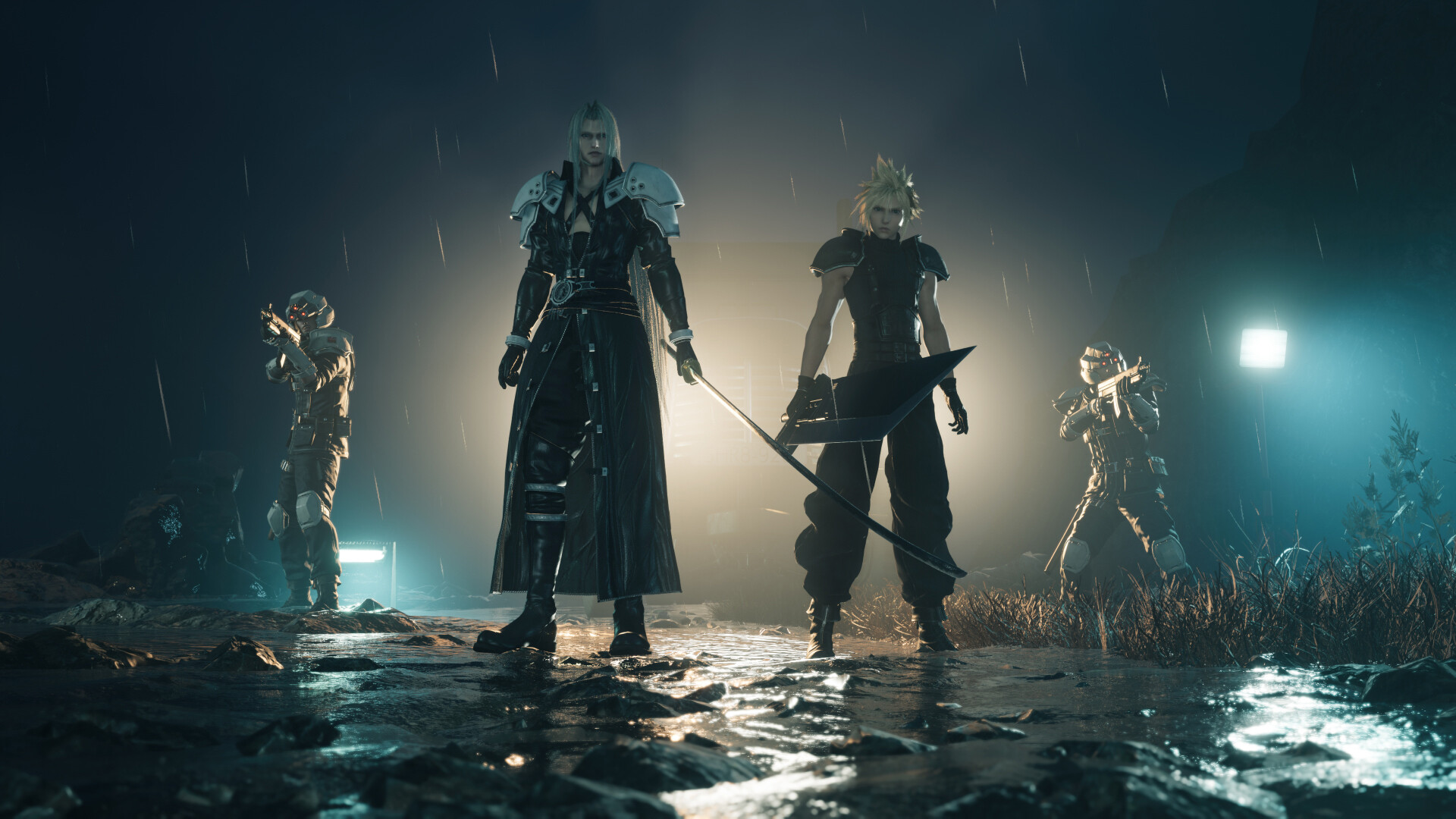
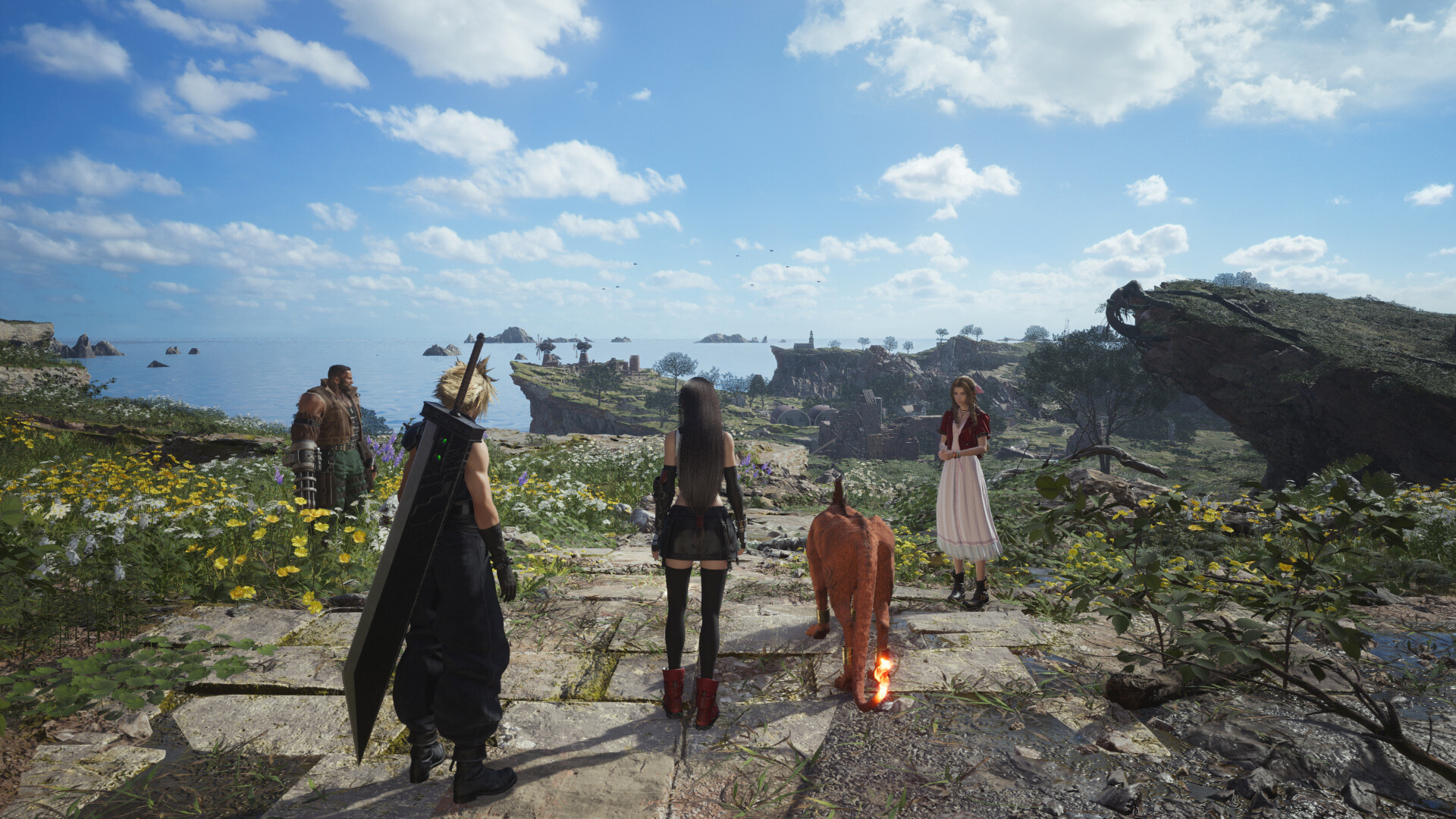
The Unknown Journey Continues... After escaping the city of Midgar, Cloud and his friends set out on a journey across the planet. New adventures await in a vibrant, expansive world in this standalone entry of the FFVII remake trilogy.
Screenshots
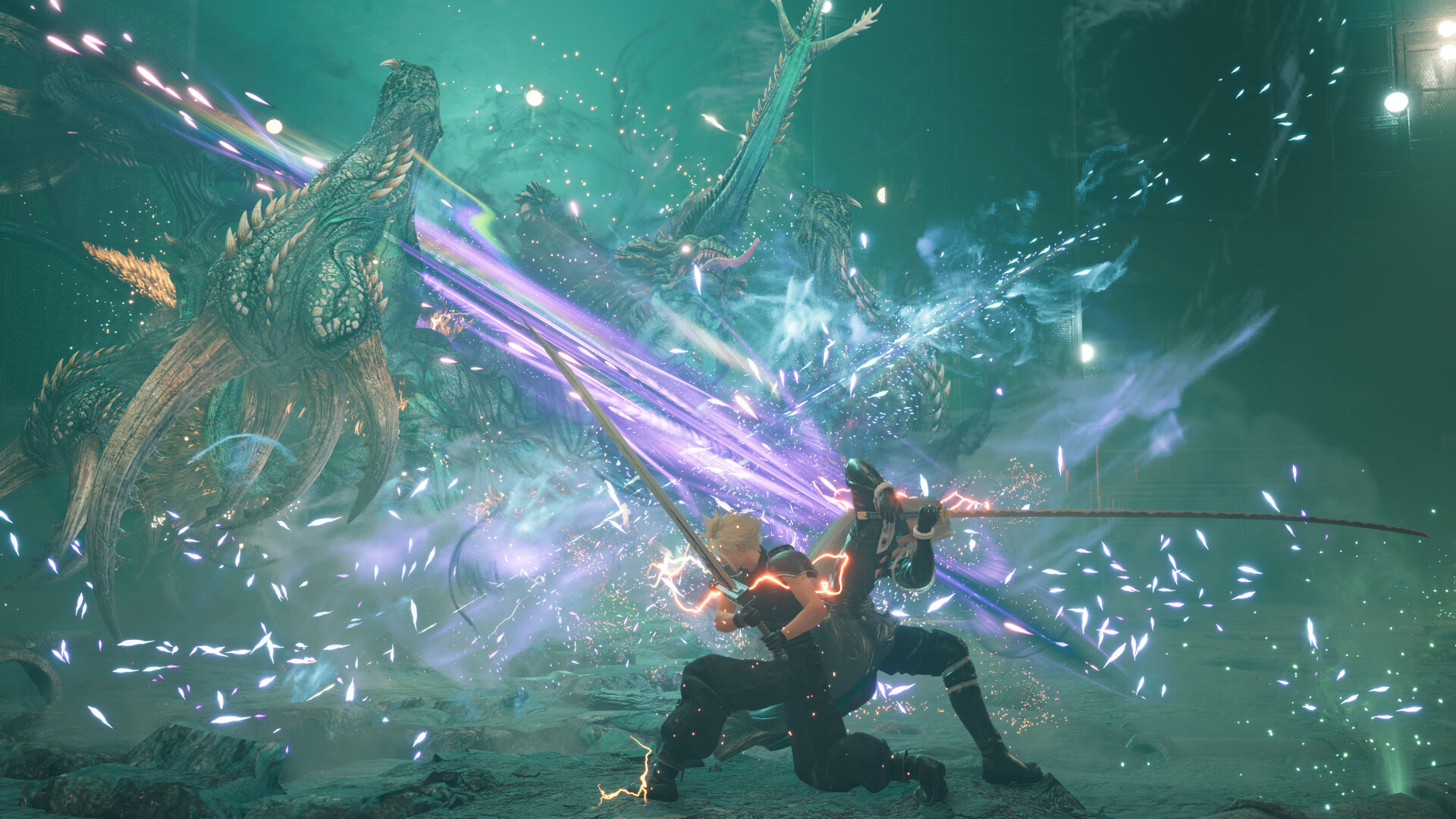
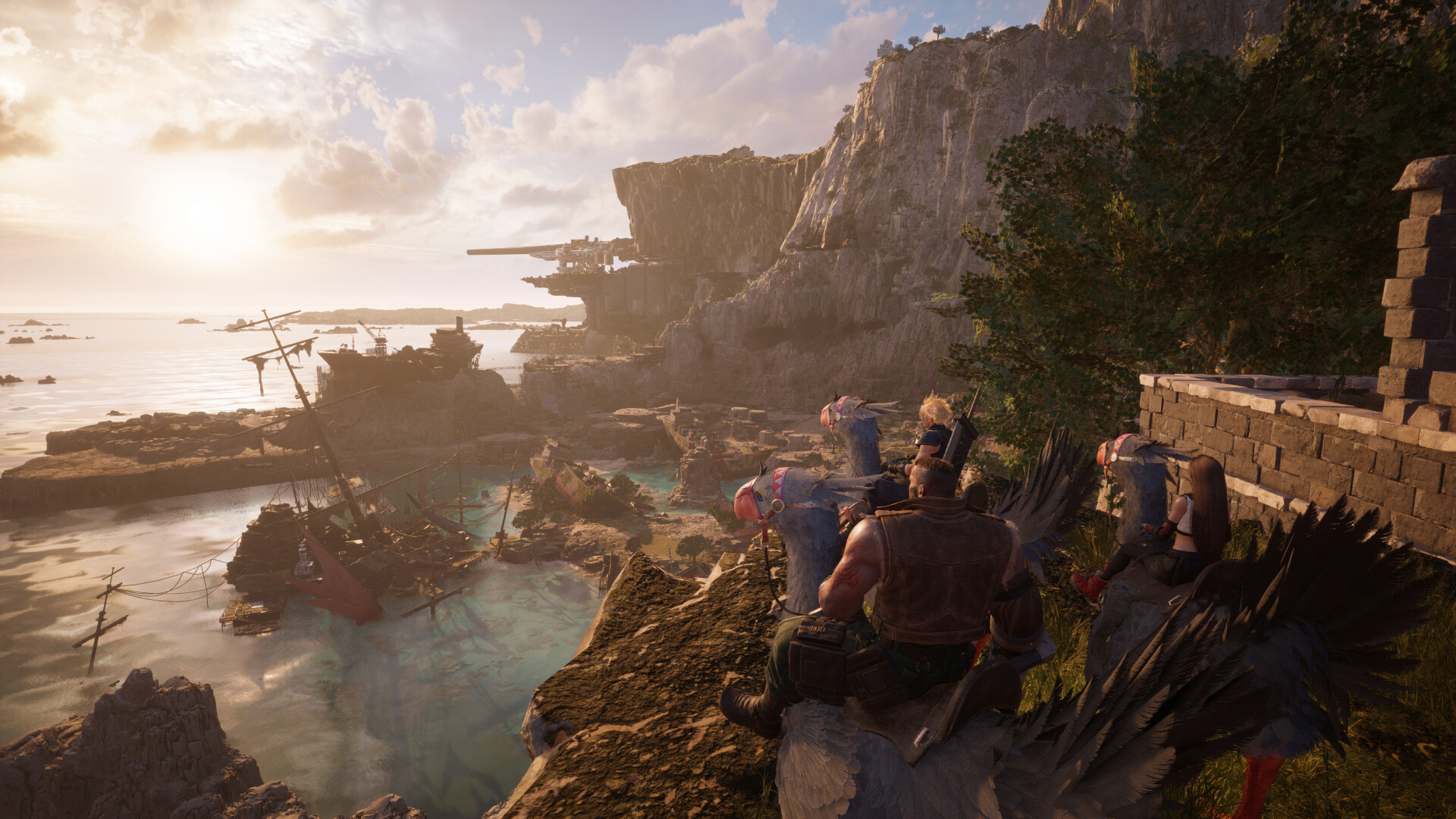
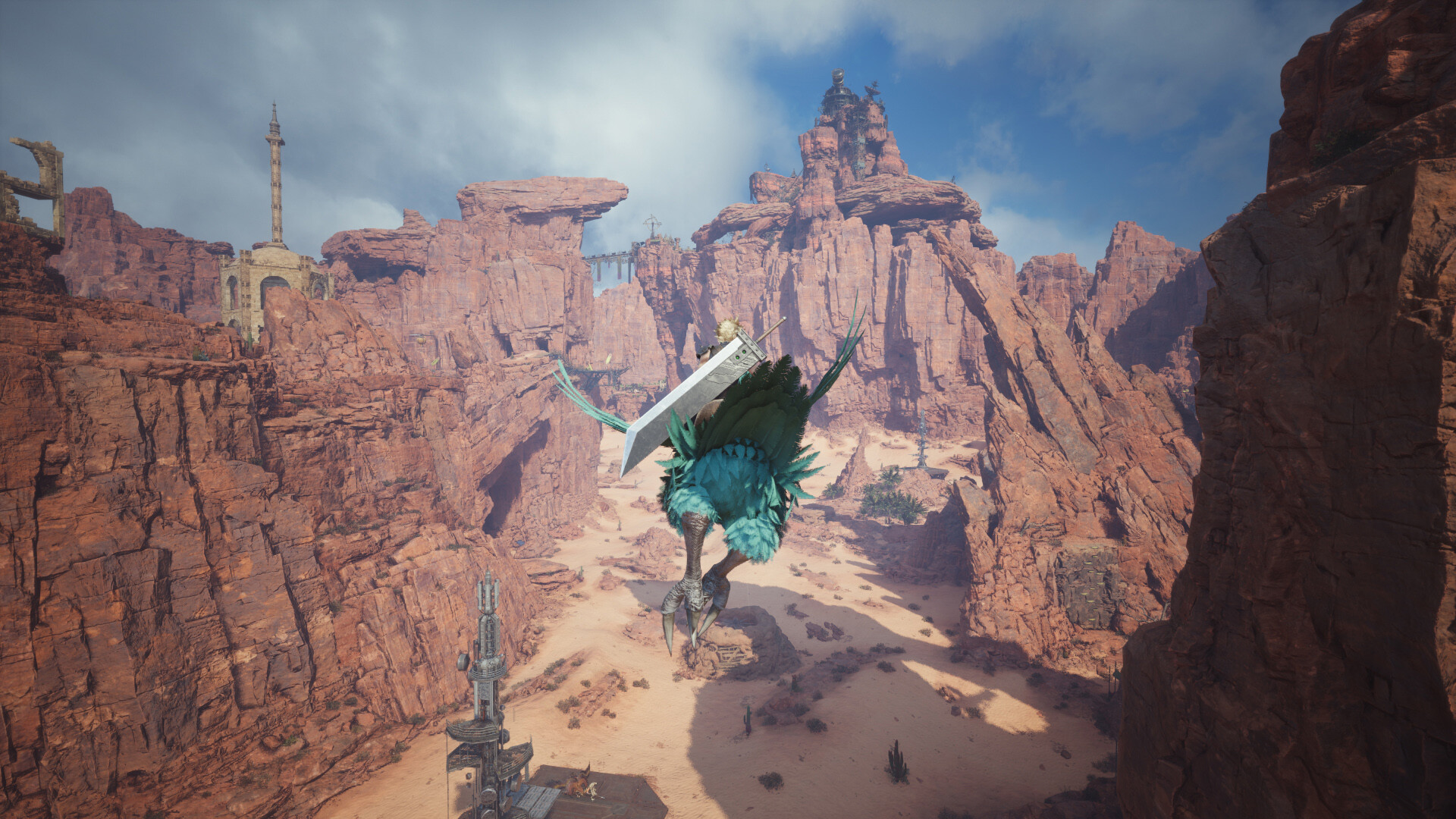
System requirements
Minimum
• Requires a 64-bit processor and operating system • OS: Windows® 10 64-bit • Processor: AMD Ryzen™ 5 1400 / Intel® Core™ i3-8100 • Memory: 16 GB RAM • Graphics: AMD Radeon™ RX 6600 (RX 6600 or above required) / Intel® Arc™ A580 / NVIDIA® GeForce® RTX 2060 (RTX series required) • DirectX: Version 12 • Storage: 155 GB available space • Additional Notes: 1080P / 30FPS (Graphics Quality Preset “Low”), SSD Required. Graphics Cards with Shader Model 6.6 support and OS with DirectX 12 Ultimate support required. 12GB VRAM or above recommended to play on 4k resolution.
Recommended
• Requires a 64-bit processor and operating system • OS: Windows® 11 64-bit • Processor: AMD Ryzen™ 5 5600 or Ryzen™ 7 3700X / Intel® Core™ i7-8700 or Core™ i5-10400 • Memory: 16 GB RAM • Graphics: AMD Radeon™ RX 6700 XT / NVIDIA® GeForce® RTX 2070 • DirectX: Version 12 • Storage: 155 GB available space • Additional Notes: 1080p / 60FPS (Graphics Quality Preset “Medium”), SSD Required. 12GB VRAM or above recommended to play on 4k resolution.
Languages: English*, French*, Italian, German*, Spanish - Spain, Japanese*, Korean, Portuguese - Brazil, Simplified Chinese, Spanish - Latin America, Traditional Chinese
How to activate
Xbox
- Open Microsoft’s redemption page using the button below.
- Sign in with the Microsoft account used on your Xbox. Check the email and profile before continuing.
- Paste the 25-character code and select Next. Check the displayed product or amount.
- Complete the confirmation prompts. Look for games in that account’s library and subscriptions under its services and subscriptions.
More from the series
 РФ ✓FINAL FANTASY XVI (Xbox Series X|S)Xboxfrom $30.762,630 ₽6 offersРФ ✓FINAL FANTASY XVI (Complete Edition) (Xbox Series X|S)Xboxfrom $39.703,390 ₽6 offers
 РФ ✓Final Fantasy Tactics: The Ivalice Chronicles (Xbox Series X|S)Xboxfrom $38.993,330 ₽5 offers
 FINAL FANTASY XII THE ZODIAC AGE (Xbox One)Xboxfrom $19.061,630 ₽3 offersРФ ✓Final Fantasy Tactics: The Ivalice Chronicles (Deluxe Edition) (Xbox Series X|S)Xboxfrom $70.856,040 ₽3 offers
 РФ ✓FINAL FANTASY IXSteamNintendofrom $7.11610 ₽5 offers
 РФ ✓FINAL FANTASY X/X-2 HD RemasterSteamNintendofrom $12.651,080 ₽5 offers
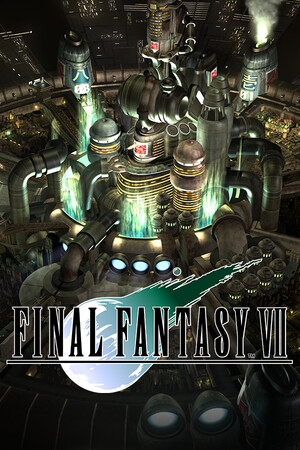 FINAL FANTASY VII (Xbox One)Xboxfrom $9.91850 ₽2 offers
Game details from Steam.