
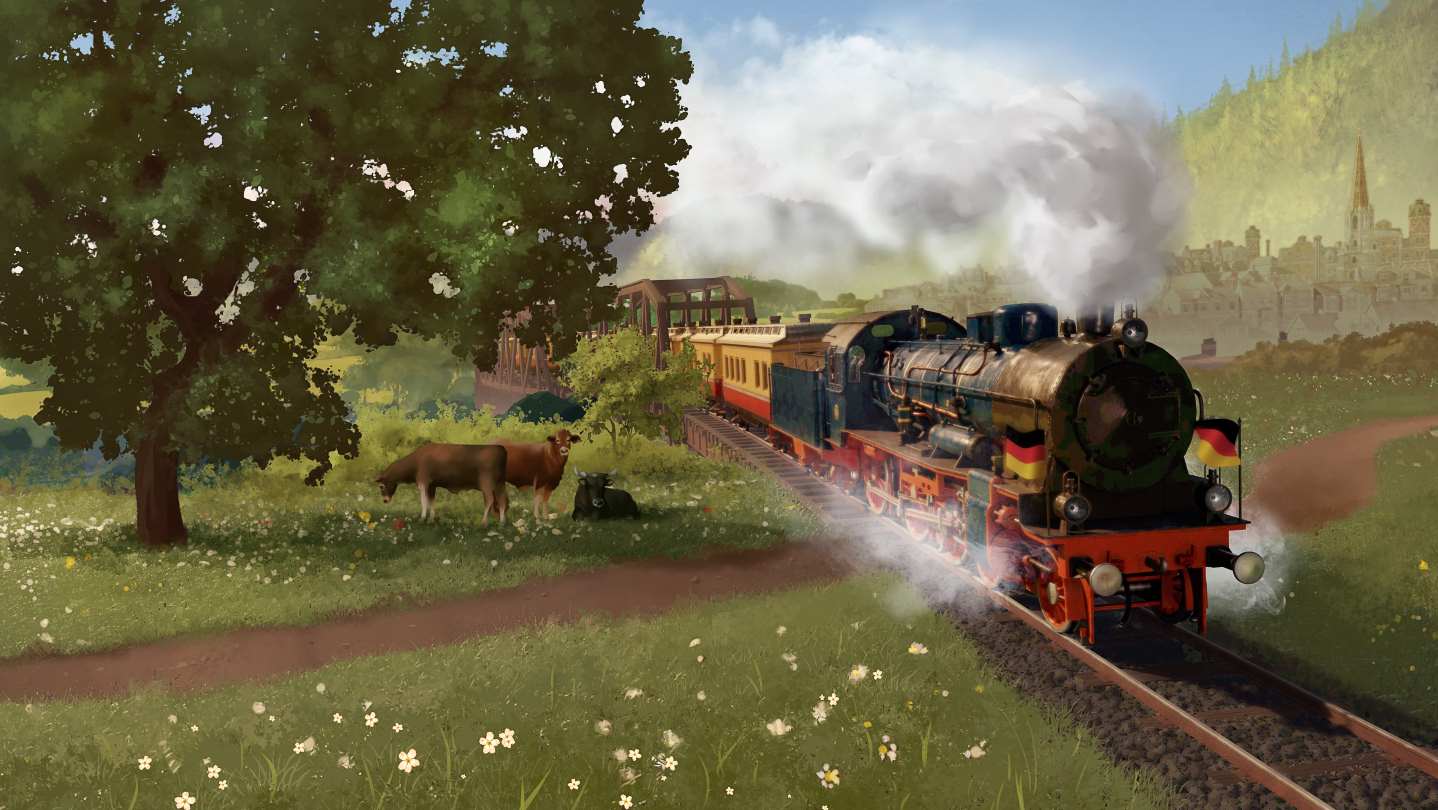
Railway Empire - Germany
- Genres
- Simulation · Strategy
- Release
- Mar 1, 2019
- Developer
- Gaming Minds Studios
Lowest price across all offers
from $0.4540 ₽
Offers
The price depends on the platform and the activation region.
- WorldwideWorks in Russia$0.4540 ₽1
- CISCIS region$4.84420 ₽1
About the game
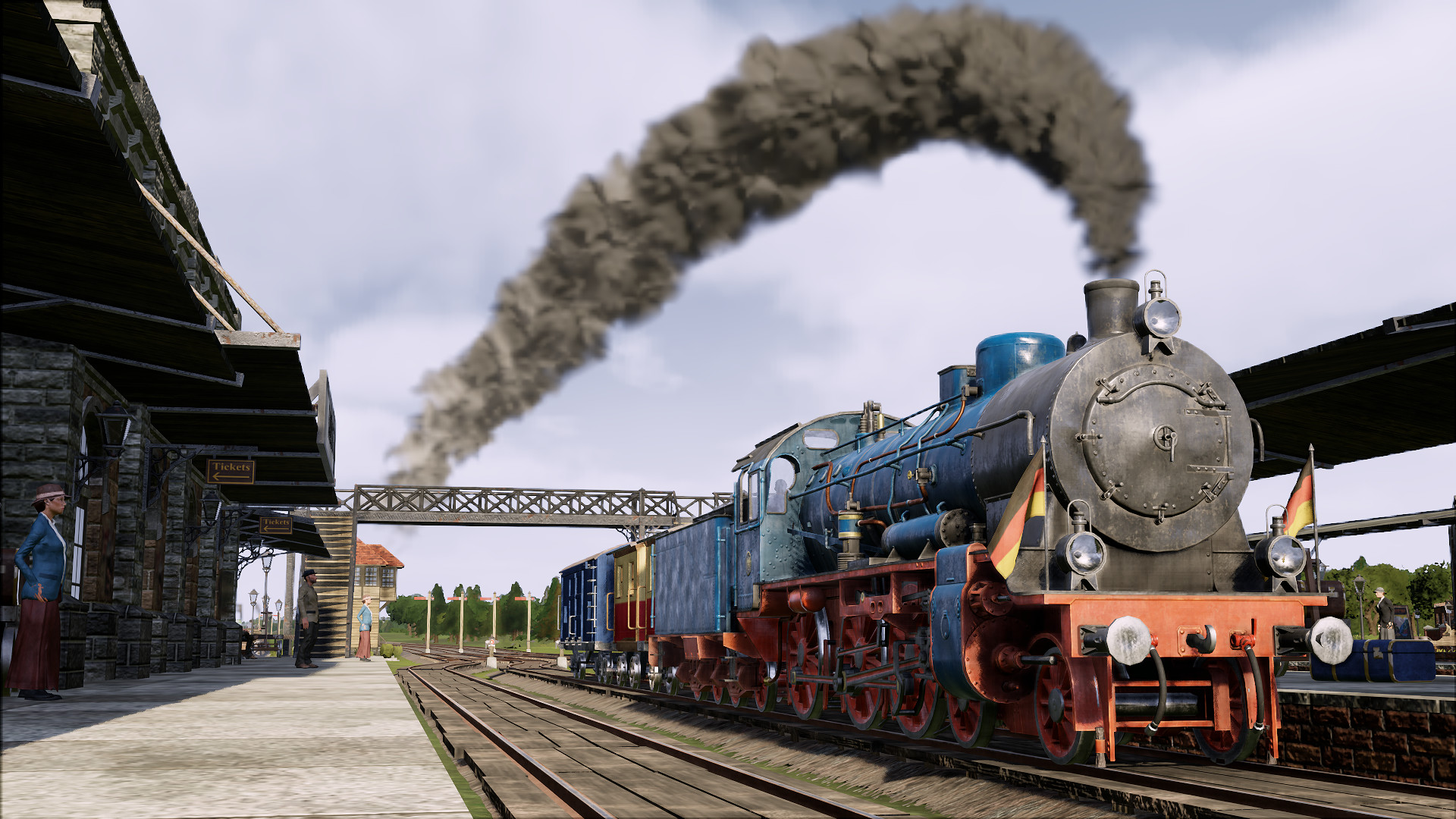
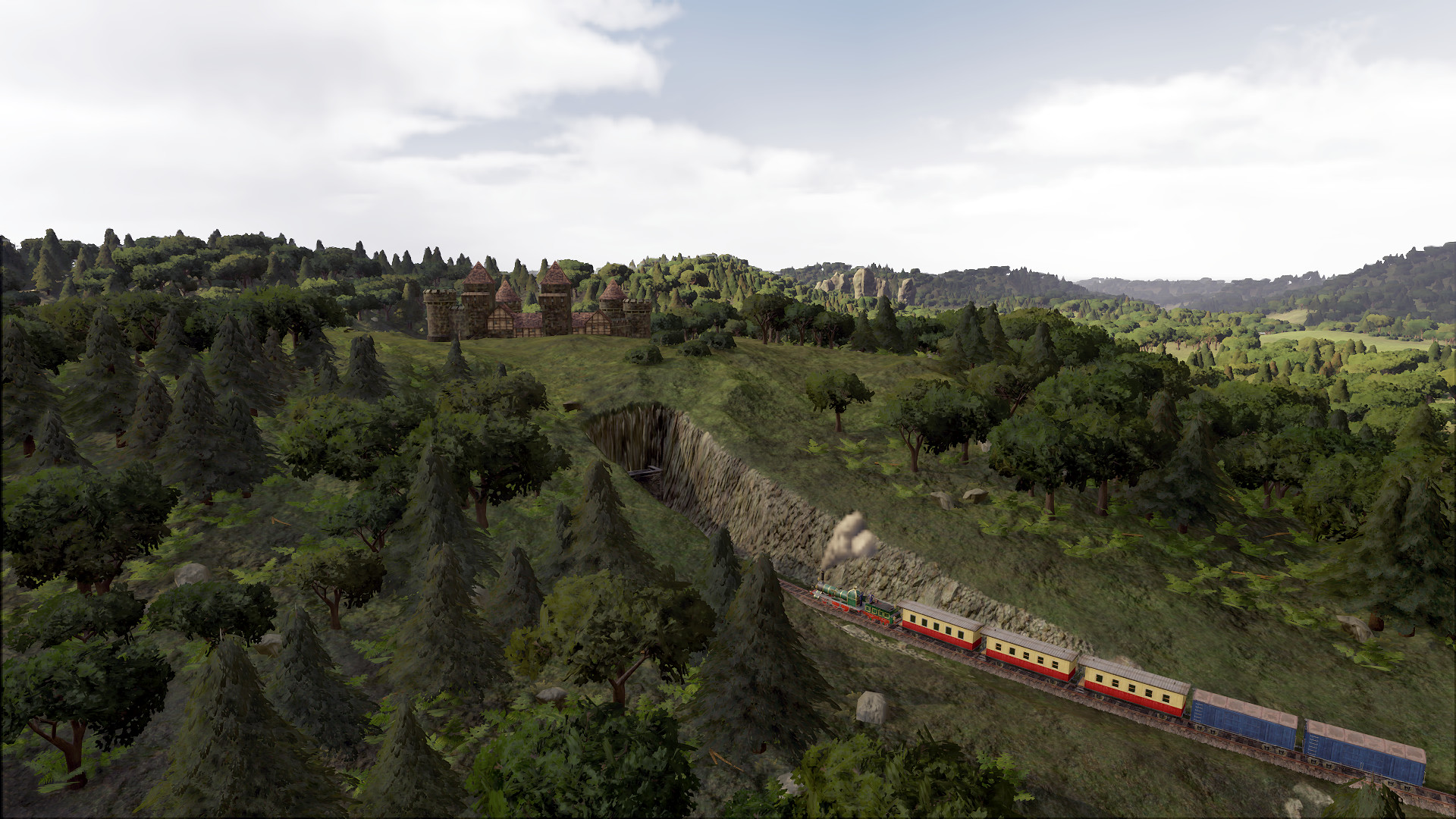
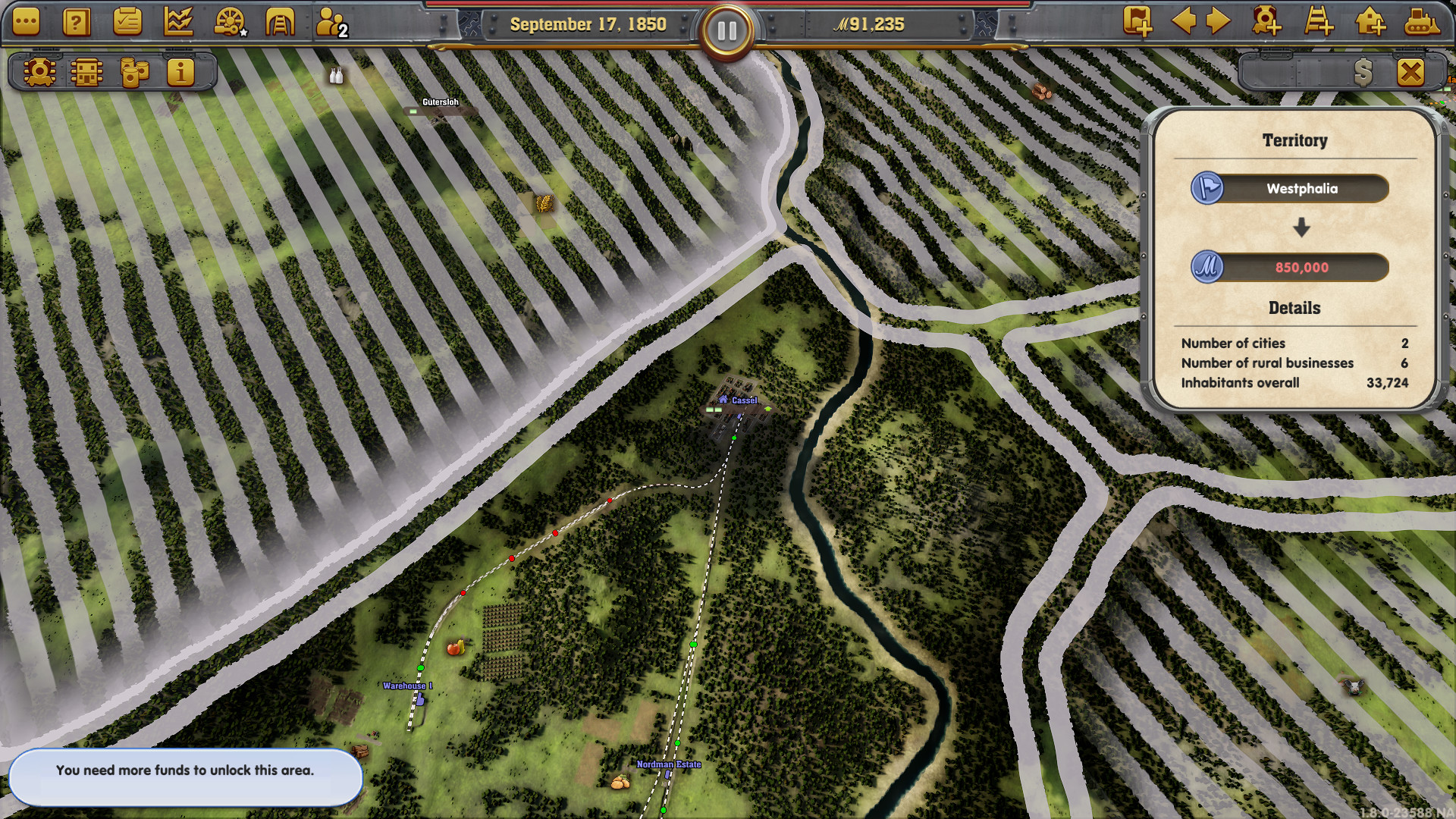
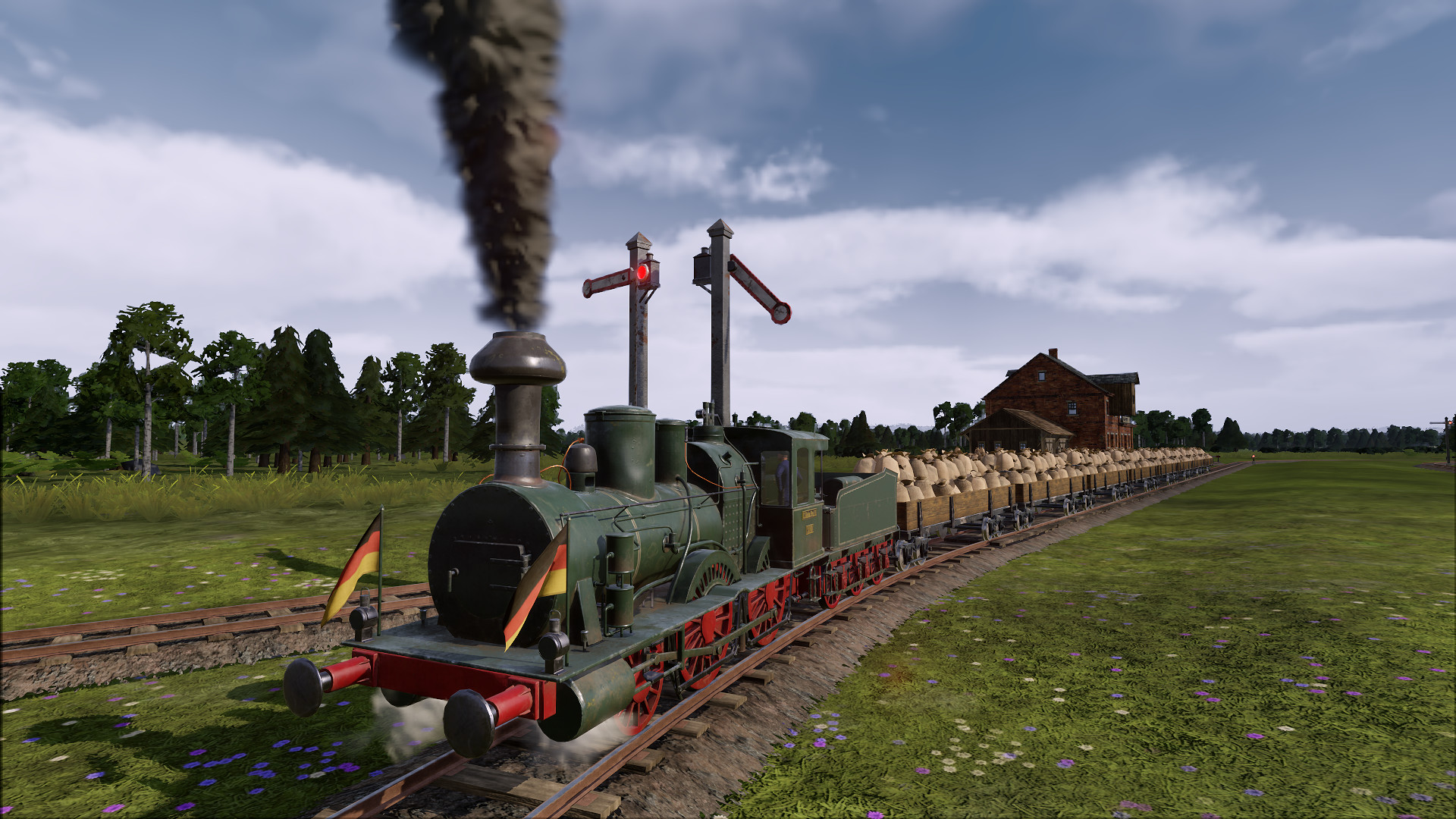
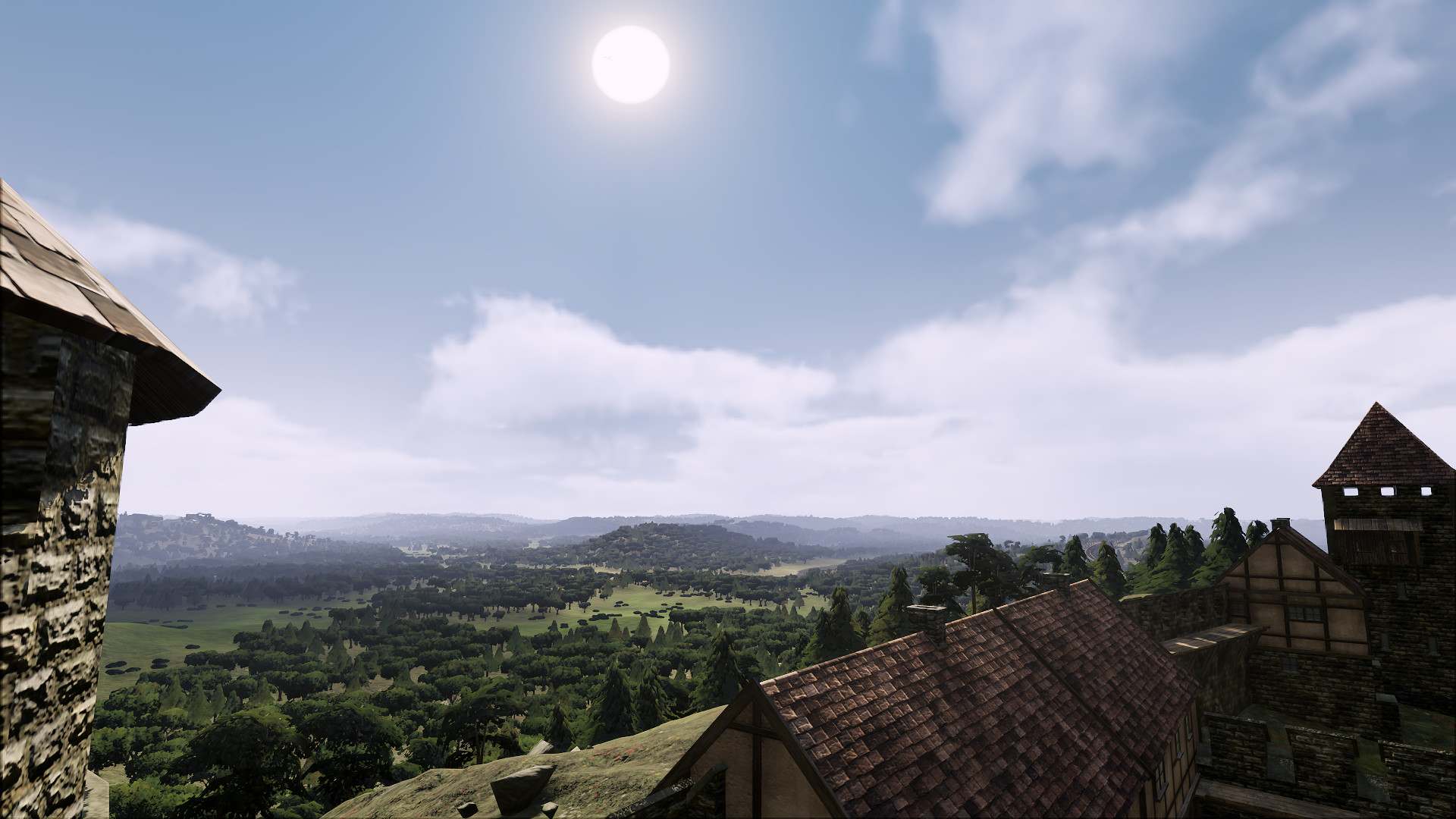
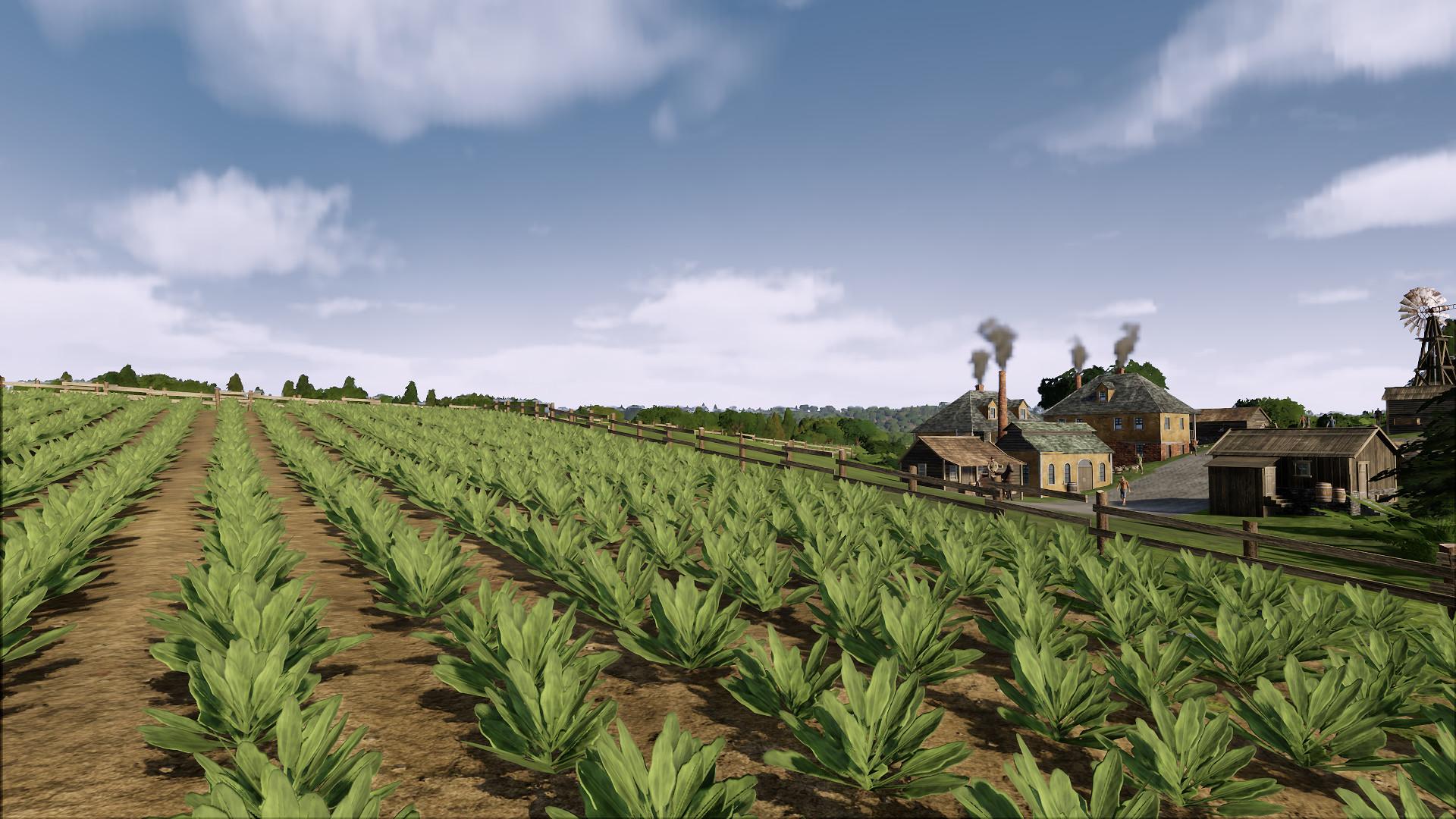
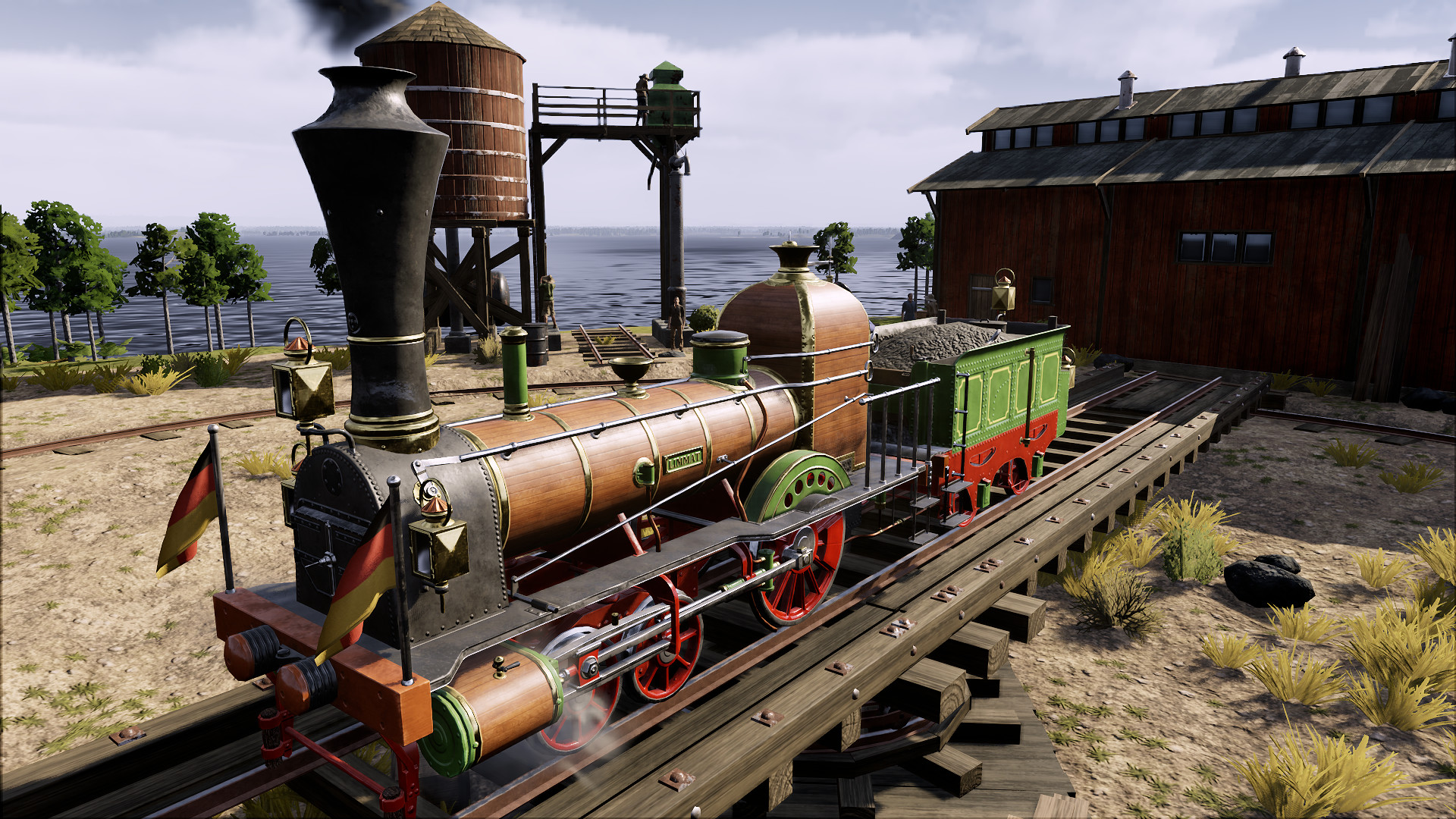
Marked by the revolts and rebellions of the March Revolution, the German petty states are on the brink of economic collapse. However, with the appearance of the first private trains, cross-border connections are increasingly growing, linking the larger cities and creating industrial centers that will lift the troubled country.
Screenshots
System requirements
Minimum
• Requires a 64-bit processor and operating system • OS *: Windows 7 SP1 or Windows 8.1 or Windows 10 (64bit versions) • Processor: Intel Core i5 750 @ 2.6 GHz or AMD Phenom II X4 @ 3.2 GHz • Memory: 4 GB RAM • Graphics: nVidia GeForce GTX460 or AMD Radeon HD5870 (1024MB VRAM with Shader Model 5.0) • DirectX: Version 11 • Storage: 7 GB available space • Sound Card: DirectX Compatible Sound Card with latest drivers • Additional Notes: Requires a 64-bit processor and operating system
Recommended
• Requires a 64-bit processor and operating system • OS *: Windows 7 SP1 or Windows 8.1 or Windows 10(64bit versions) • Processor: Intel Core i5 2400s @ 2.5 GHz or AMD FX 4100 @ 3.6 • Memory: 8 GB RAM • Graphics: nVidia GeForce GTX 680 or AMD Radeon HD7970 or better (2048MB VRAM or more, with Shader Model 5.0) • DirectX: Version 11 • Storage: 7 GB available space • Sound Card: DirectX Compatible Sound Card with latest drivers • Additional Notes: Requires a 64-bit processor and operating system
Languages: English*, French*, German*, Russian*, Simplified Chinese, Italian, Spanish - Spain*, Polish, Korean, Japanese*
How to activate
Steam
- Start Steam on your computer and sign in to the account you will play on.
- In the Games menu, choose Activate a Product on Steam. You can also start from Add a Game at the bottom left.
- Go through the introductory screens, review Steam’s terms and paste the complete key without surrounding spaces.
- Finish activation, then find the game in your Library and select Install.
More from the series
 РФ ✓Railway EmpireSteamfrom $1.84160 ₽4 offersРФ ✓Railway Empire (Complete Collection)Steamfrom $5.41470 ₽3 offers
 РФ ✓Railway Empire 2 (Deluxe Edition)Steamfrom $23.001,960 ₽3 offersРФ ✓Railway Empire 2Steamfrom $19.691,680 ₽2 offers
 РФ ✓Railway Empire - Original SoundtrackSteamfrom $7.54650 ₽
Game details from Steam.