

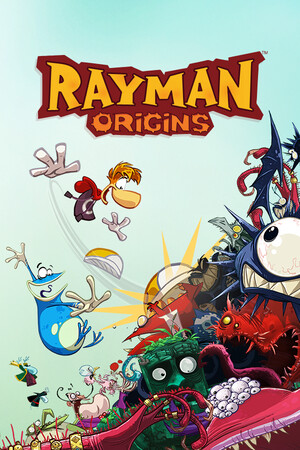
Rayman® Origins
- Genres
- Action · Adventure
- Release
- Mar 29, 2012
- Developer
- Ubisoft Montpellier
- Metacritic
Lowest price across all offers
from $10.87930 ₽
Offers
The price depends on the platform and the activation region.
- WorldwideWorks in RussiaRayman Origins$16.311,390 ₽1
About the game
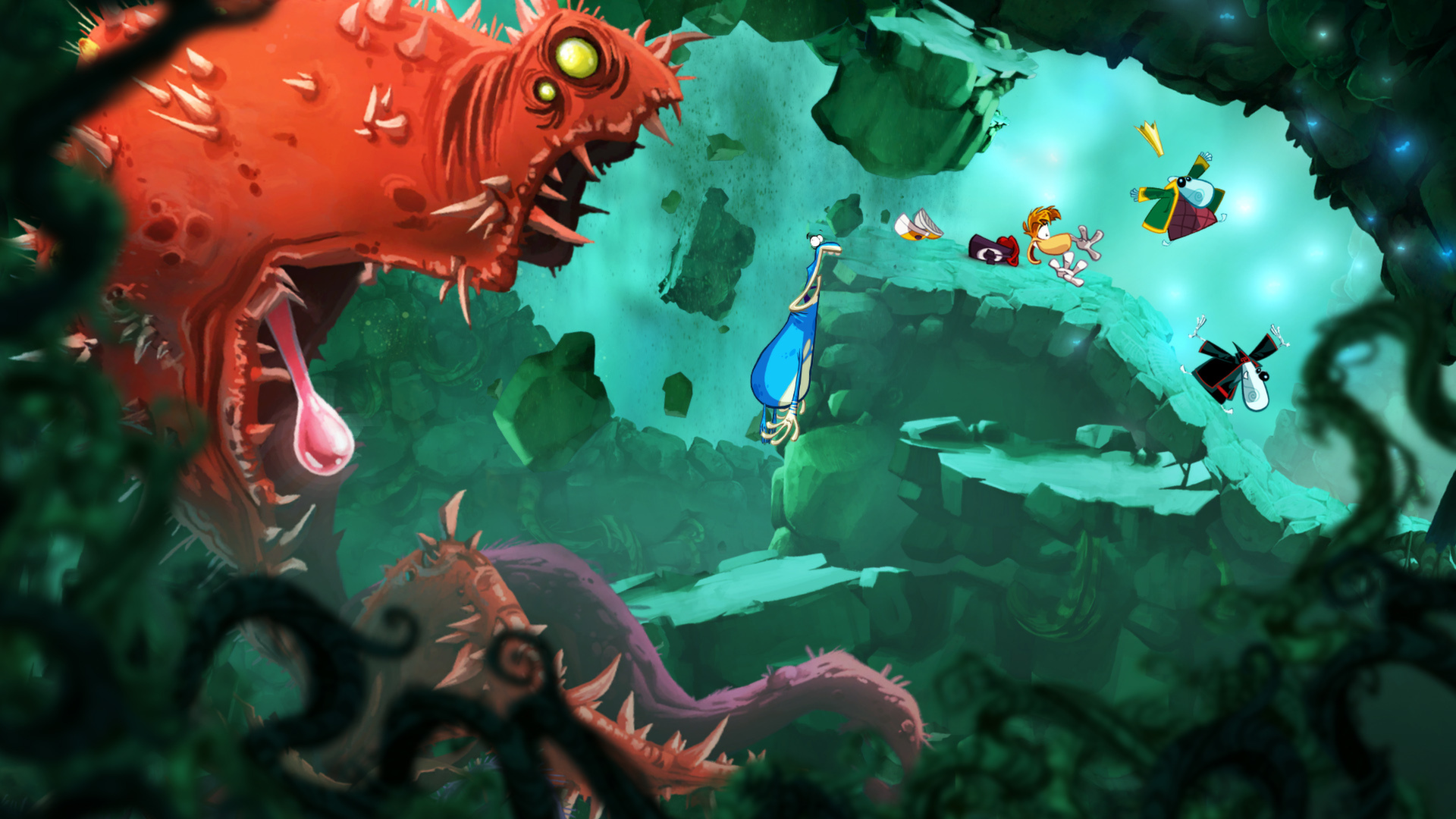
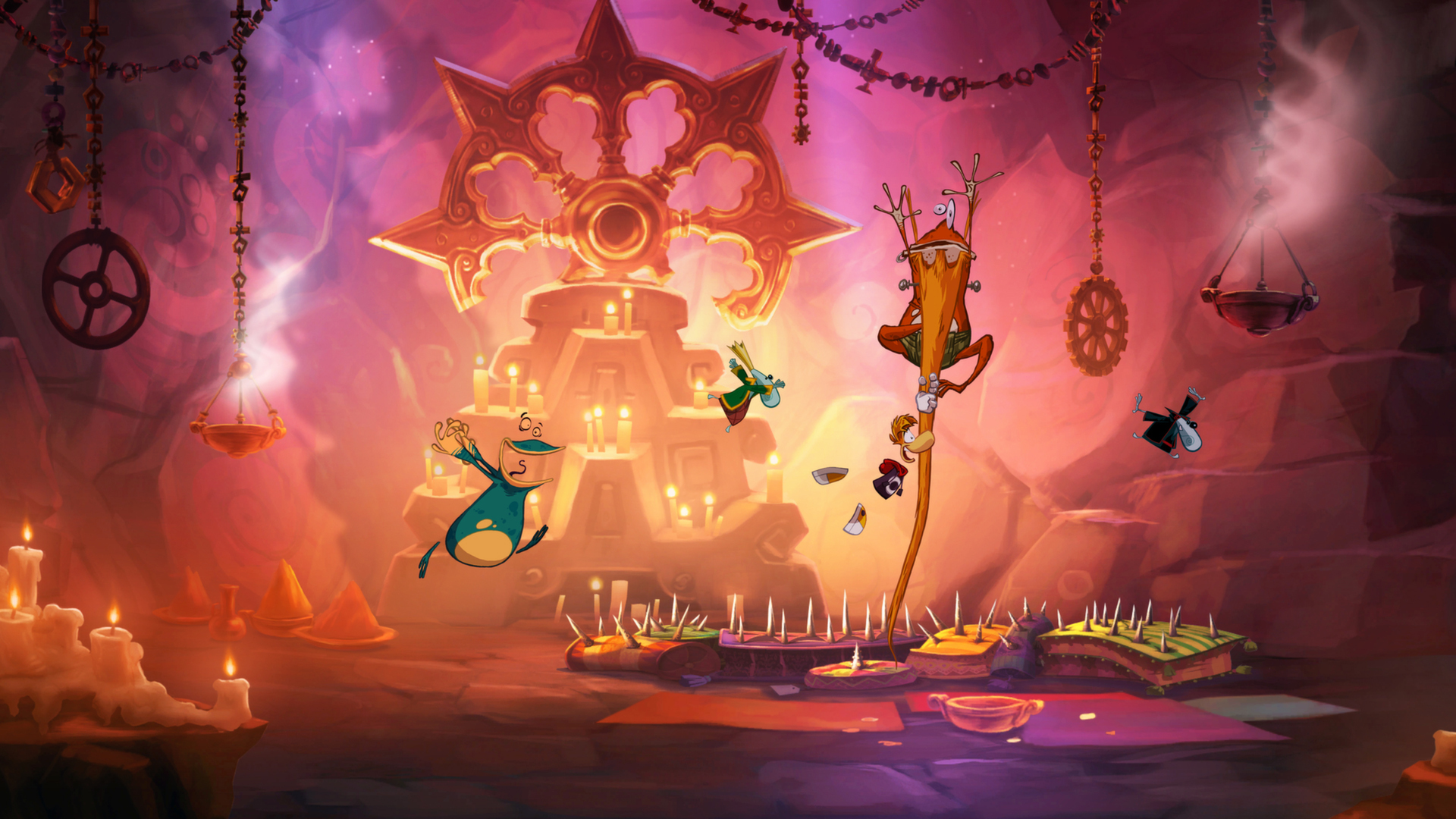
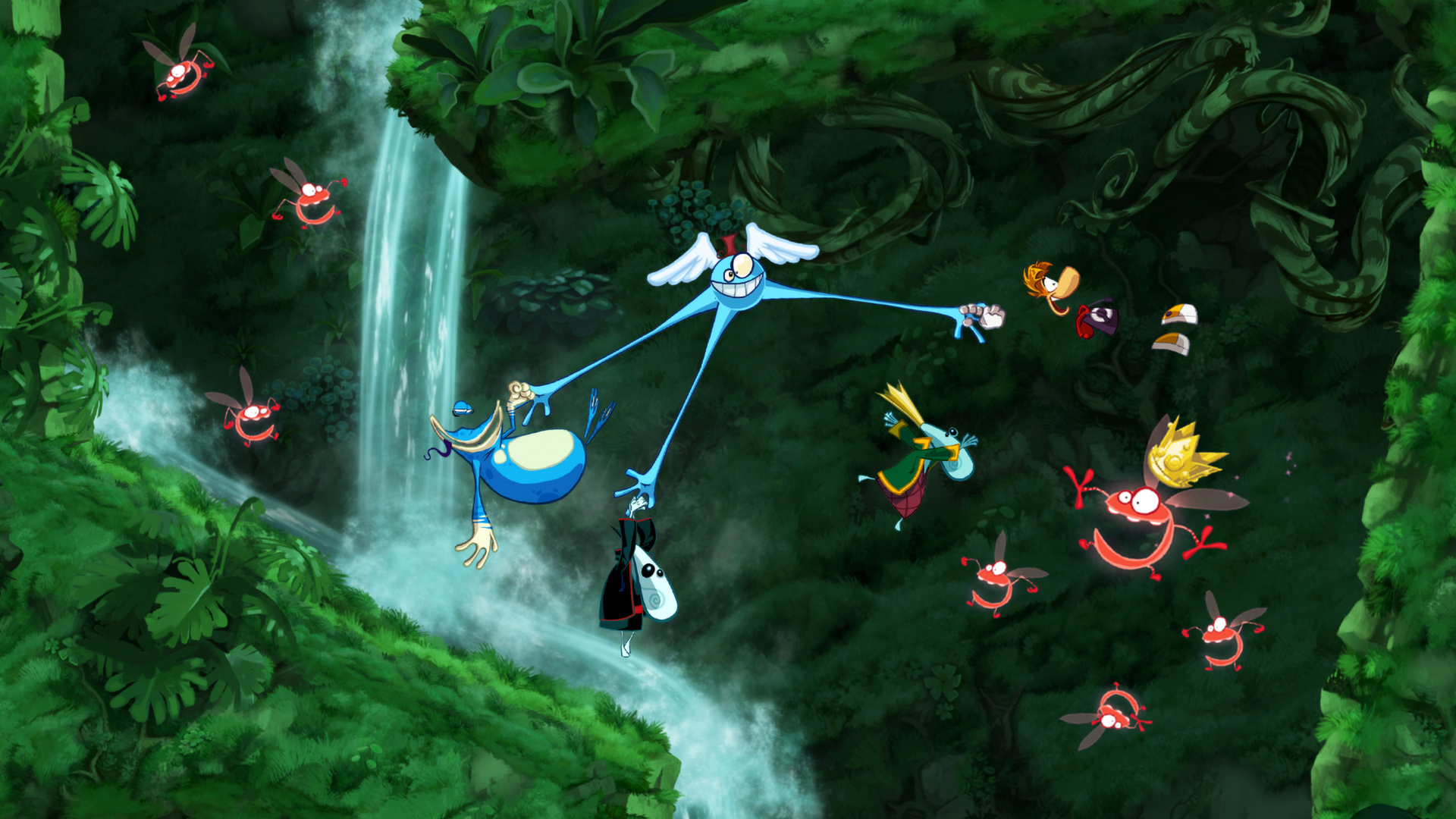
Leap into a beloved platforming adventure that moves like a living cartoon. Punch, glide, and explore 60+ levels across the Glade of Dreams, solo or with up to three friends in local co-op.
Screenshots
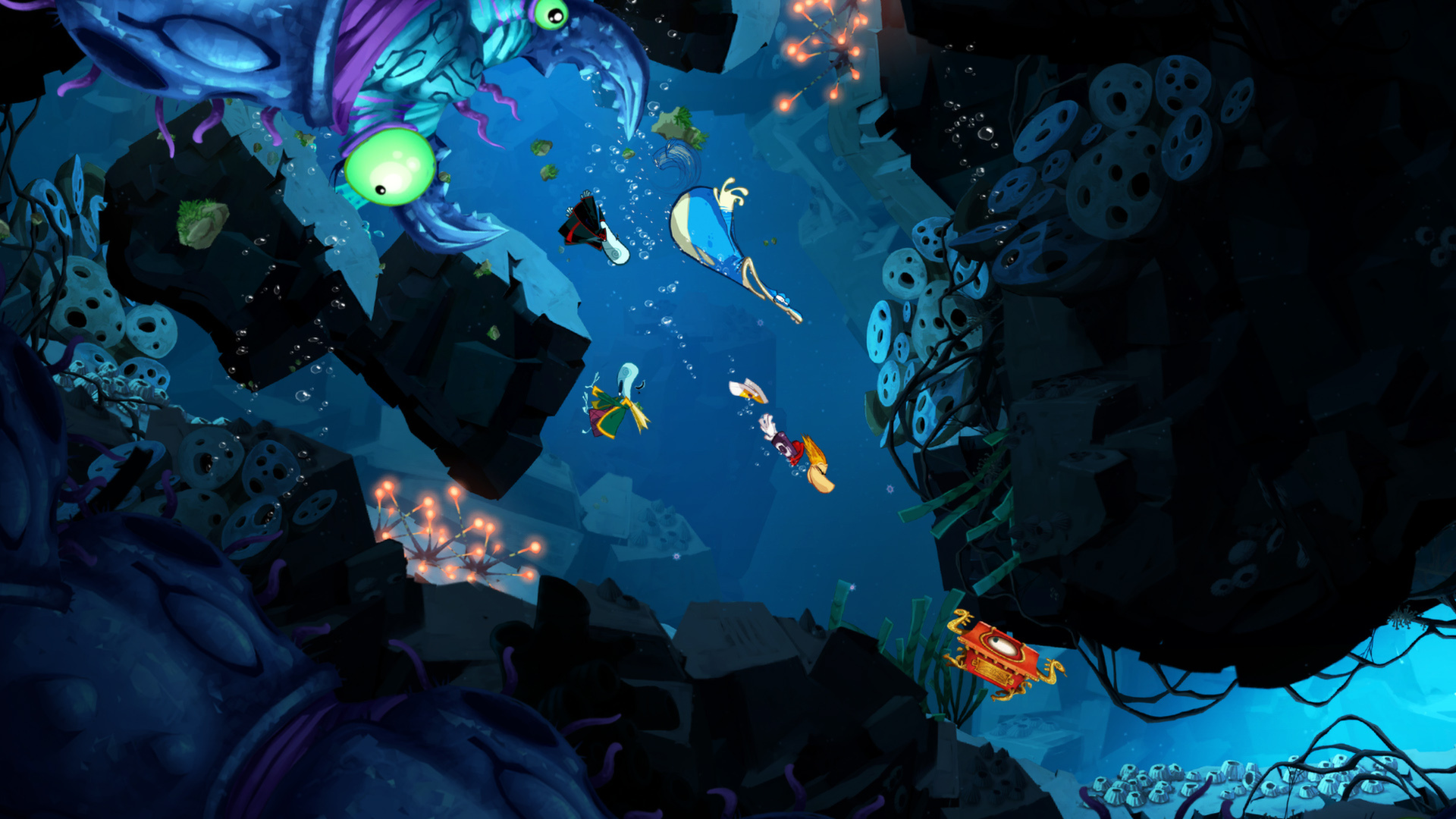

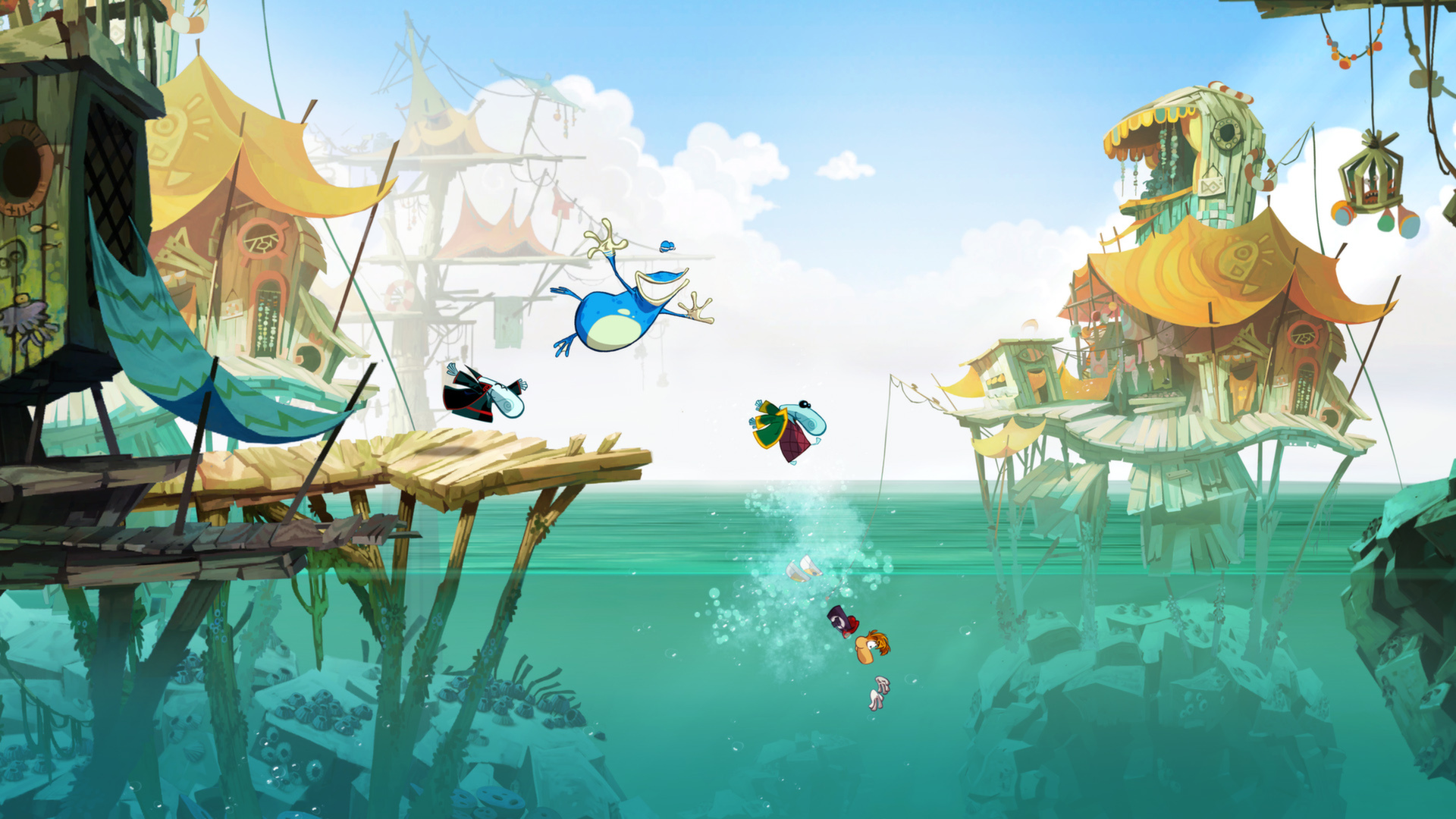
System requirements
Minimum
• OS *: Windows® XP / Windows Vista® (only) • Processor: 3.0 GHz Intel® Pentium® 4 or 1.8 GHz AMD Athlon™ 64 3000+ • Memory: 1 GB Windows XP / 1.5 GB Windows Vista • Video Card: 128 MB DirectX® 9.0c-compliant video card or higher* (see supported list) • Sound: DirectX 9.0c-compliant • Peripherals Supported: Windows-compatible keyboard, mouse, optional controller (Xbox 360® Controller for Windows recommended) *Supported Video Cards at Time of Release: • ATI Radeon™ X600 XT – HD 2600 XT series • NVIDIA® GeForce® 6800 GT – 8600 GT series Originally released for Windows 7, the game can be played on Windows 10 and Windows 11 OS
Recommended
• OS *: Windows® XP / Windows Vista® (only) • Processor: 2.0 GHz Intel® Core™2 Duo E4400 or 2.0 GHz AMD Athlon™ X2 3800+ or better • Memory: 2 GB recommended • Video Card: 128 MB DirectX® 9.0c-compliant video card or higher* (see supported list) • Sound: DirectX 9.0c-compliant • Peripherals Supported: Windows-compatible keyboard, mouse, optional controller (Xbox 360® Controller for Windows recommended) *Supported Video Cards at Time of Release: • ATI Radeon™ X600 XT – HD 2600 XT series • NVIDIA® GeForce® 6800 GT – 8600 GT series Originally released for Windows 7, the game can be played on Windows 10 and Windows 11 OS
Languages: Czech, Dutch, English, French, German, Hungarian, Italian, Japanese, Polish, Portuguese - Brazil, Russian, Spanish - Spain
How to activate
EA App
- Open the EA app and sign in to the account that should own the game.
- Go to My Library and use Redeem Code.
- Submit your key, continue and check the identified product before confirming.
- Complete redemption and download the game from your Library. Look for add-ons under their base game.
Ubisoft Connect
- Launch Ubisoft Connect PC and sign in to your intended Ubisoft account.
- Open the profile in the top-left corner and choose Key/Code Activation.
- Paste the key into Activate Product and select Activate. If asked to choose a product or platform, match it to your order.
- Install the game from your library. Redeemed extra content becomes available within its game.
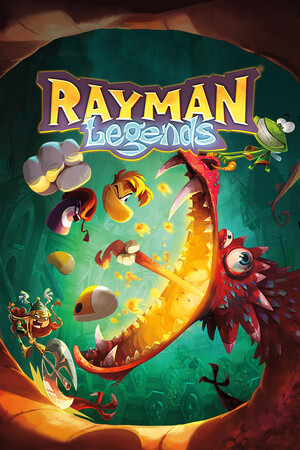
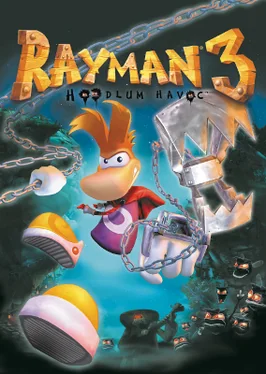
More from the series

Game details from Steam.