

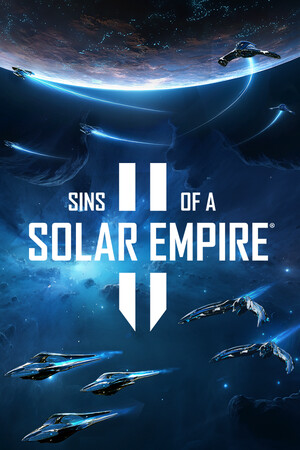
Sins of a Solar Empire II
- Genres
- Simulation · Strategy
- Release
- Aug 15, 2024
- Developer
- Ironclad Games Corporation, Stardock Entertainment
Lowest price across all offers
from $16.761,440 ₽
Offers
The price depends on the platform and the activation region.
- WorldwideWorks in Russia$16.761,440 ₽1
- EuropeNot for Russia$17.861,530 ₽1
- CISCIS region$19.501,670 ₽1
- North AmericaNot for Russia$22.601,940 ₽1
About the game
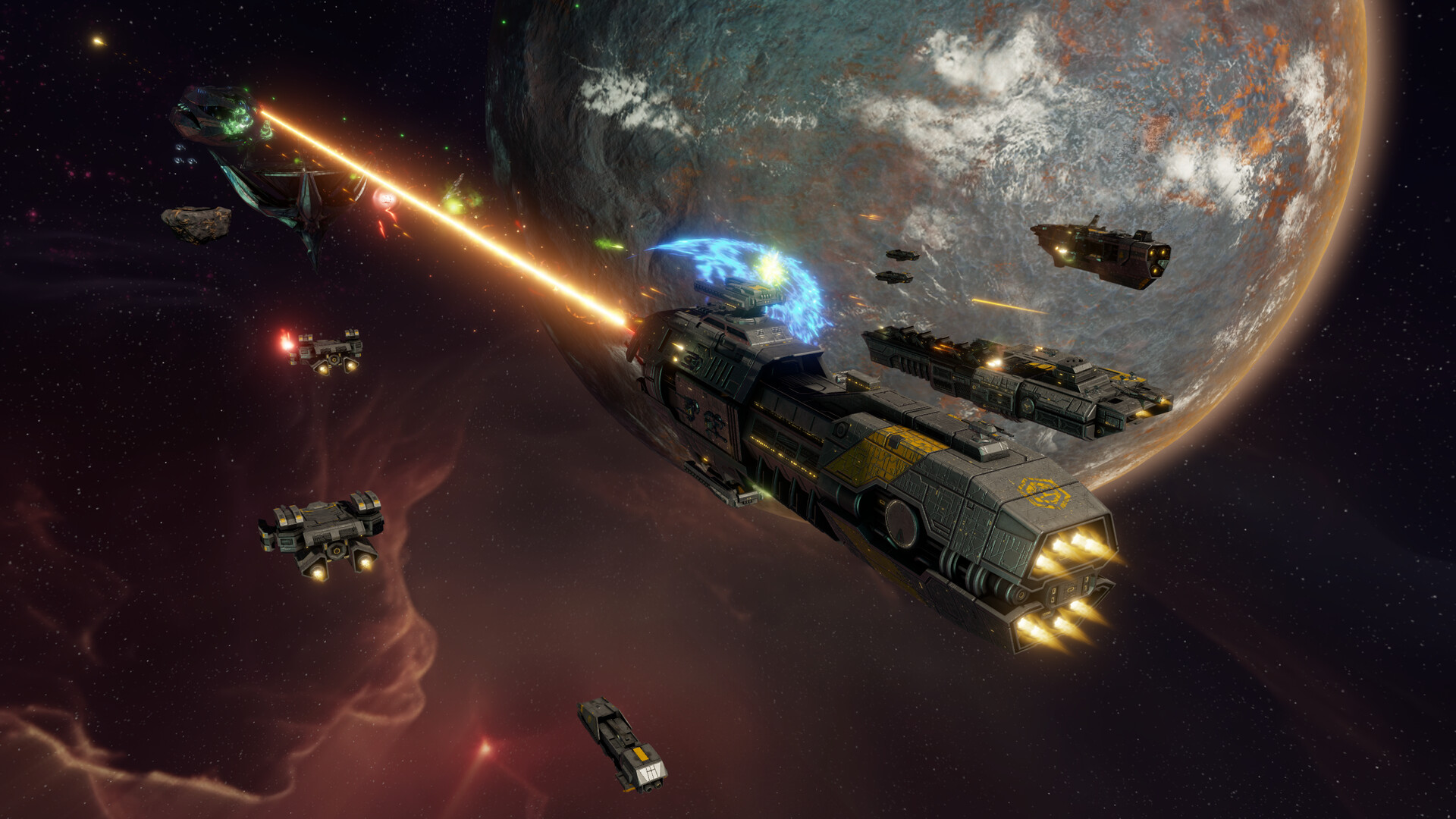
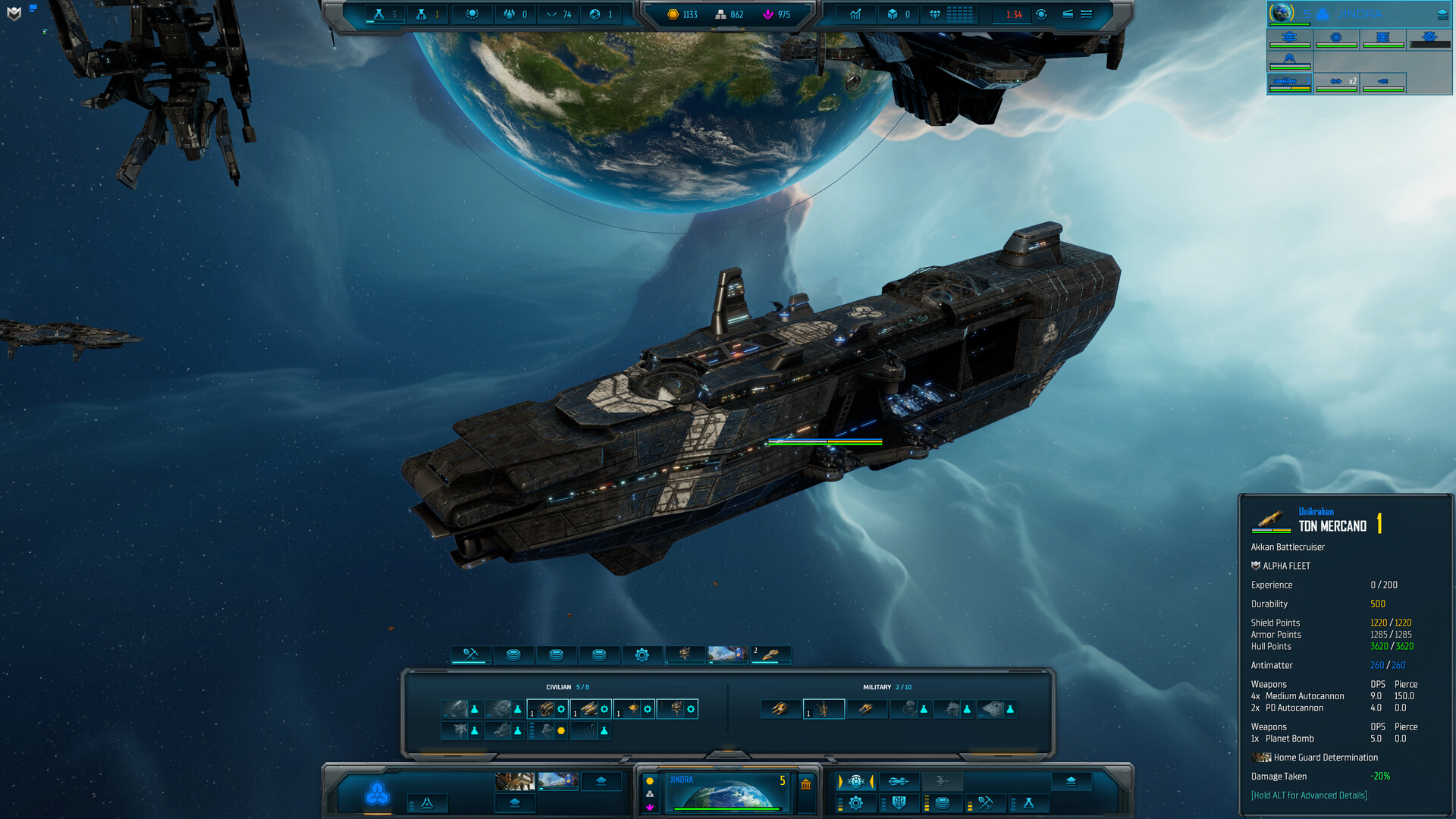
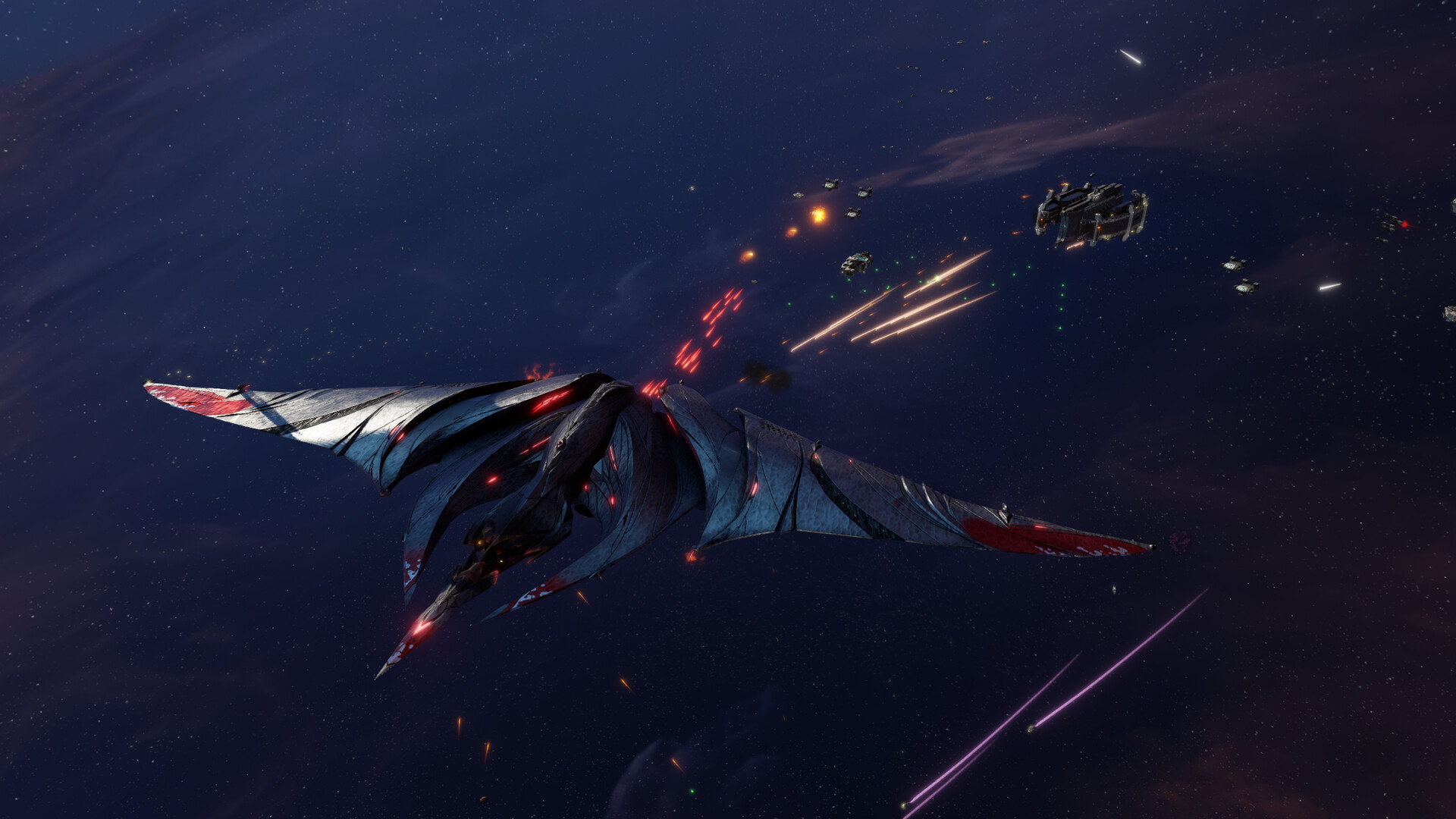
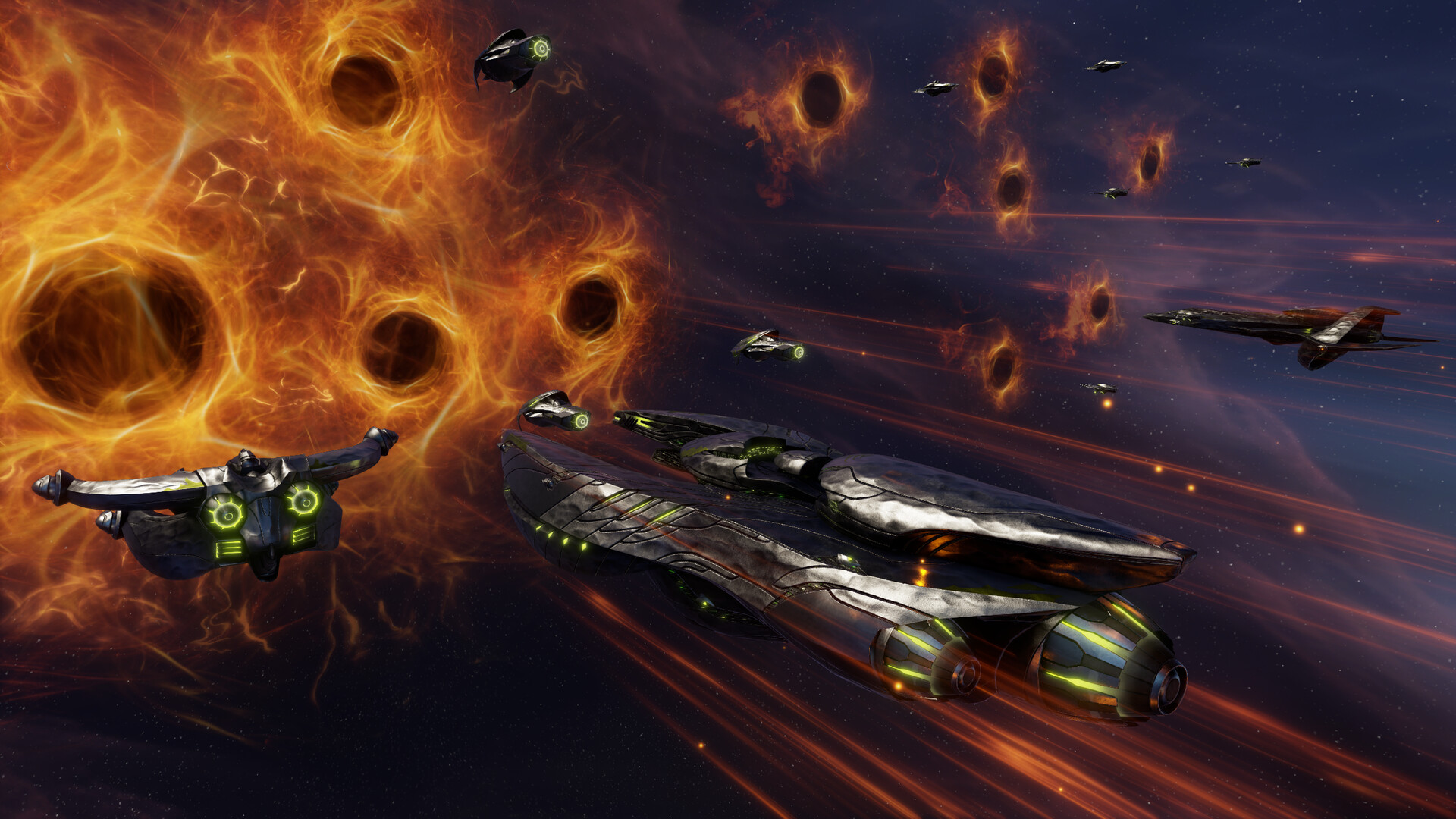
Battle for galactic dominance in this real-time 4X strategy game with unrivaled scale! You’ll explore, expand, exploit, and exterminate through military force, diplomacy, trade, culture, influence, and other underhanded tactics.
Screenshots




System requirements
Minimum
• Requires a 64-bit processor and operating system • OS: Windows 10 v1607+ / 11 (64-bit) • Processor: 4-core Processor (Intel Core i5 5th-generation or AMD Ryzen 2x00 series) • Memory: 8 GB RAM • Graphics: 3D Video Card w/4GB VRAM (Nvidia GeForce 950 / AMD Radeon RX 450) • DirectX: Version 11 • Network: Broadband Internet connection • Storage: 20 GB available space • Additional Notes: 1920x1080 minimum screen resolution
Recommended
• Requires a 64-bit processor and operating system • OS: Windows 11 • Processor: 8-core Processor (Intel Core i7 9th-generation or AMD Ryzen 3x00 series) • Memory: 16 GB RAM • Graphics: 3D Video Card w/8GB+ VRAM (Nvidia GeForce 1060 or AMD Radeon 580) • DirectX: Version 11 • Network: Broadband Internet connection • Storage: 20 GB available space • Additional Notes: 1920x1080 minimum screen resolution; SSD highly recommended.
Languages: English*, French, Italian, German, Japanese, Korean, Polish, Portuguese - Brazil, Russian, Simplified Chinese, Spanish - Latin America, Hungarian
How to activate
Steam
- Start Steam on your computer and sign in to the account you will play on.
- In the Games menu, choose Activate a Product on Steam. You can also start from Add a Game at the bottom left.
- Go through the introductory screens, review Steam’s terms and paste the complete key without surrounding spaces.
- Finish activation, then find the game in your Library and select Install.
More from the series
 РФ ✓Sins of a Solar Empire®: RebellionSteamfrom $4.94430 ₽5 offersРФ ✓Sins of a Solar Empire II (Premium Edition)Steamfrom $30.702,630 ₽3 offersРФ ✓Sins of a Solar Empire Rebellion Ultimate EditionSteamfrom $22.961,970 ₽
 РФ ✓Sins of a Solar Empire: Trinity®Steamfrom $2.21190 ₽
 РФ ✓Sins of a Solar Empire®: Rebellion - Original SoundtrackSteamfrom $4.41380 ₽
Game details from Steam.