


Sins of a Solar Empire®: Rebellion
- Genres
- Action · Indie · Simulation · Strategy
- Release
- Jun 12, 2012
- Developer
- Ironclad Games Corporation, Stardock Entertainment
- Metacritic
Lowest price across all offers
from $4.94430 ₽
Offers
The price depends on the platform and the activation region.
- WorldwideWorks in RussiaSins of a Solar Empire: Rebellion$4.94430 ₽1
- EuropeNot for RussiaSins of a Solar Empire: Rebellion$5.43470 ₽1
- PolandNot for RussiaSins of a Solar Empire: Rebellion$6.92600 ₽1
- CISCIS regionSins of a Solar Empire: Rebellion$8.55740 ₽1
- Latin AmericaNot for RussiaSins of a Solar Empire: Rebellion$11.30970 ₽1
About the game
Command a space-faring empire in Sins of a Solar Empire: Rebellion, the new stand-alone expansion that combines 4X depth with real-time strategy gameplay.
Screenshots
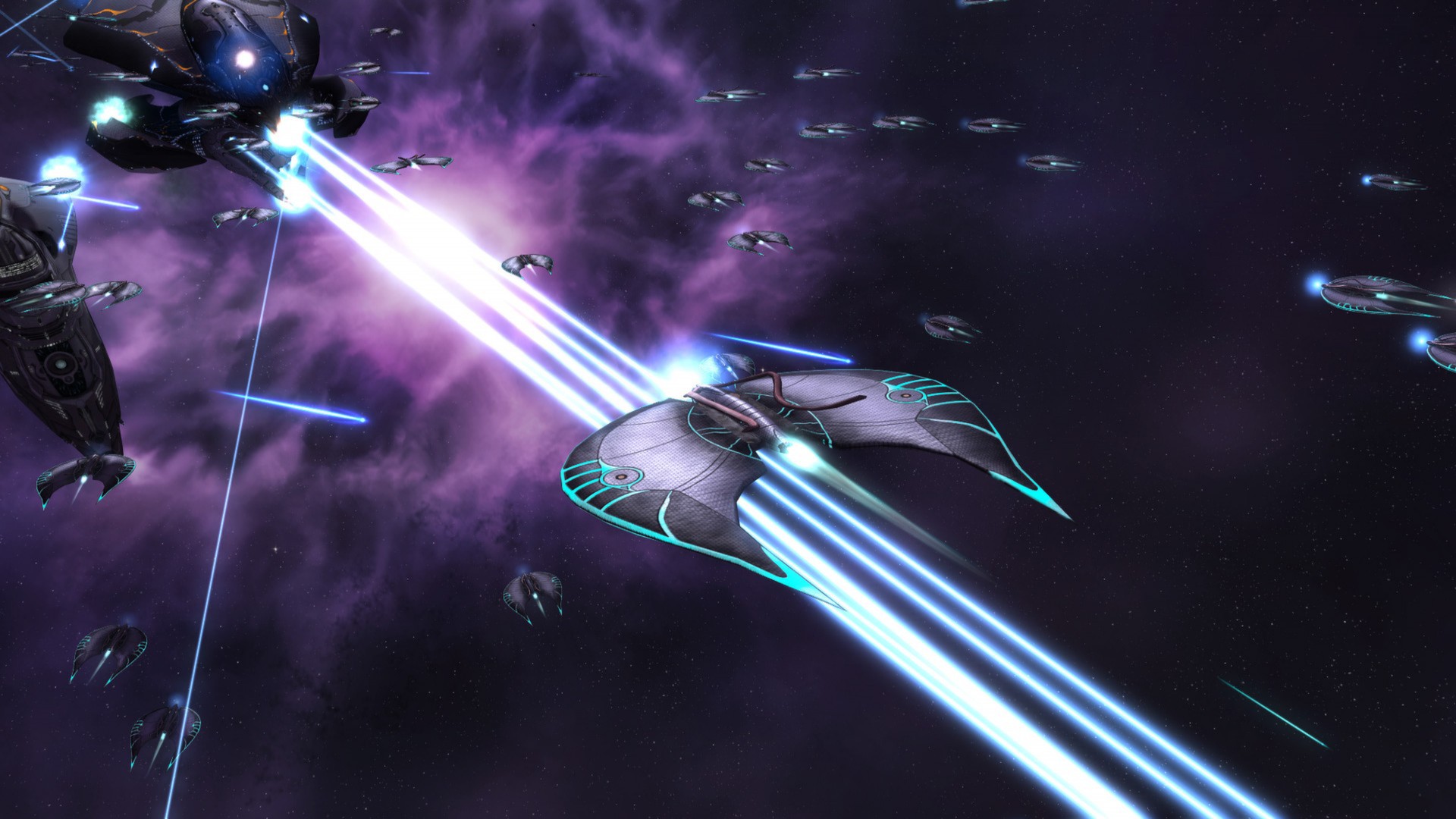
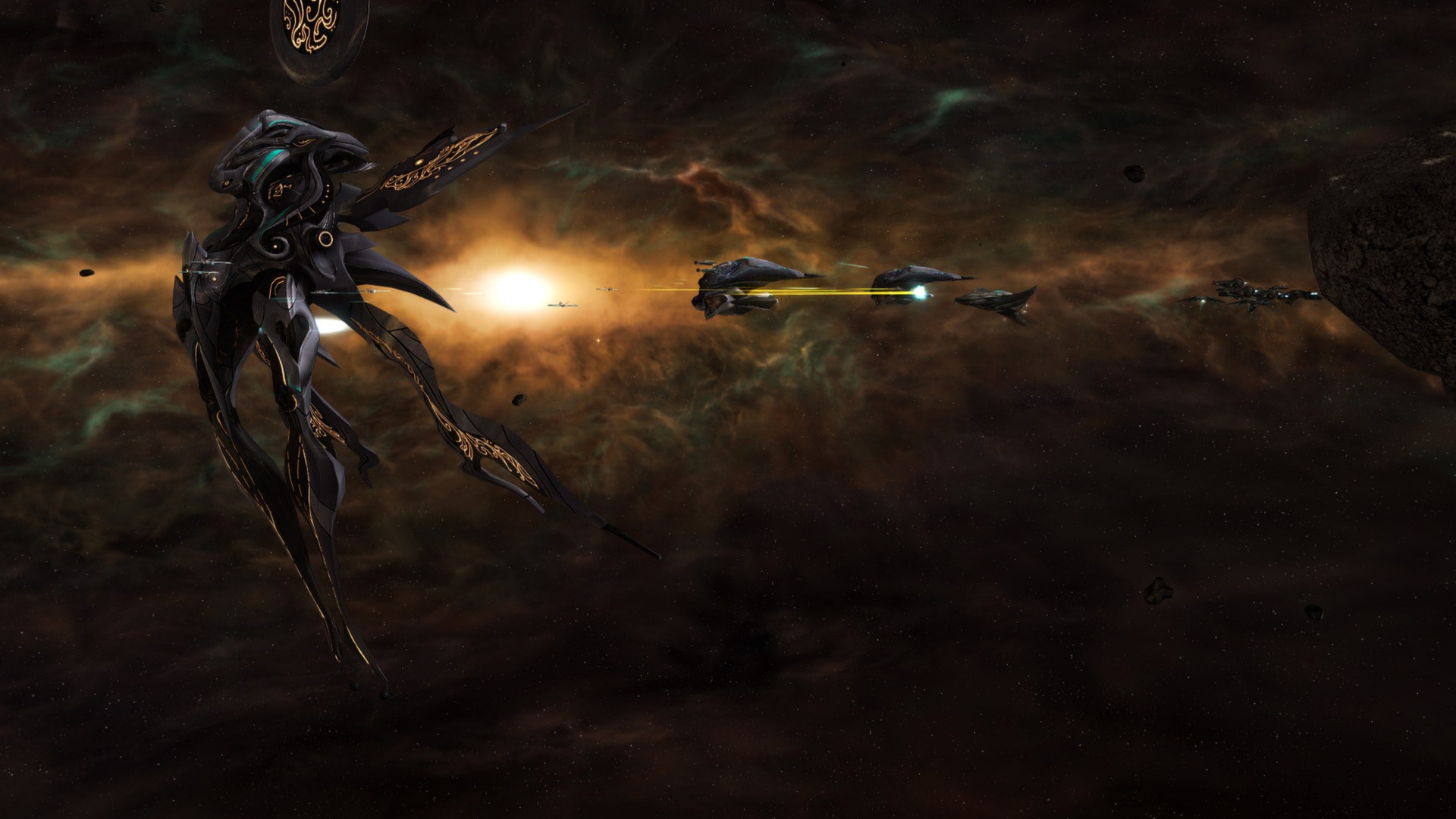
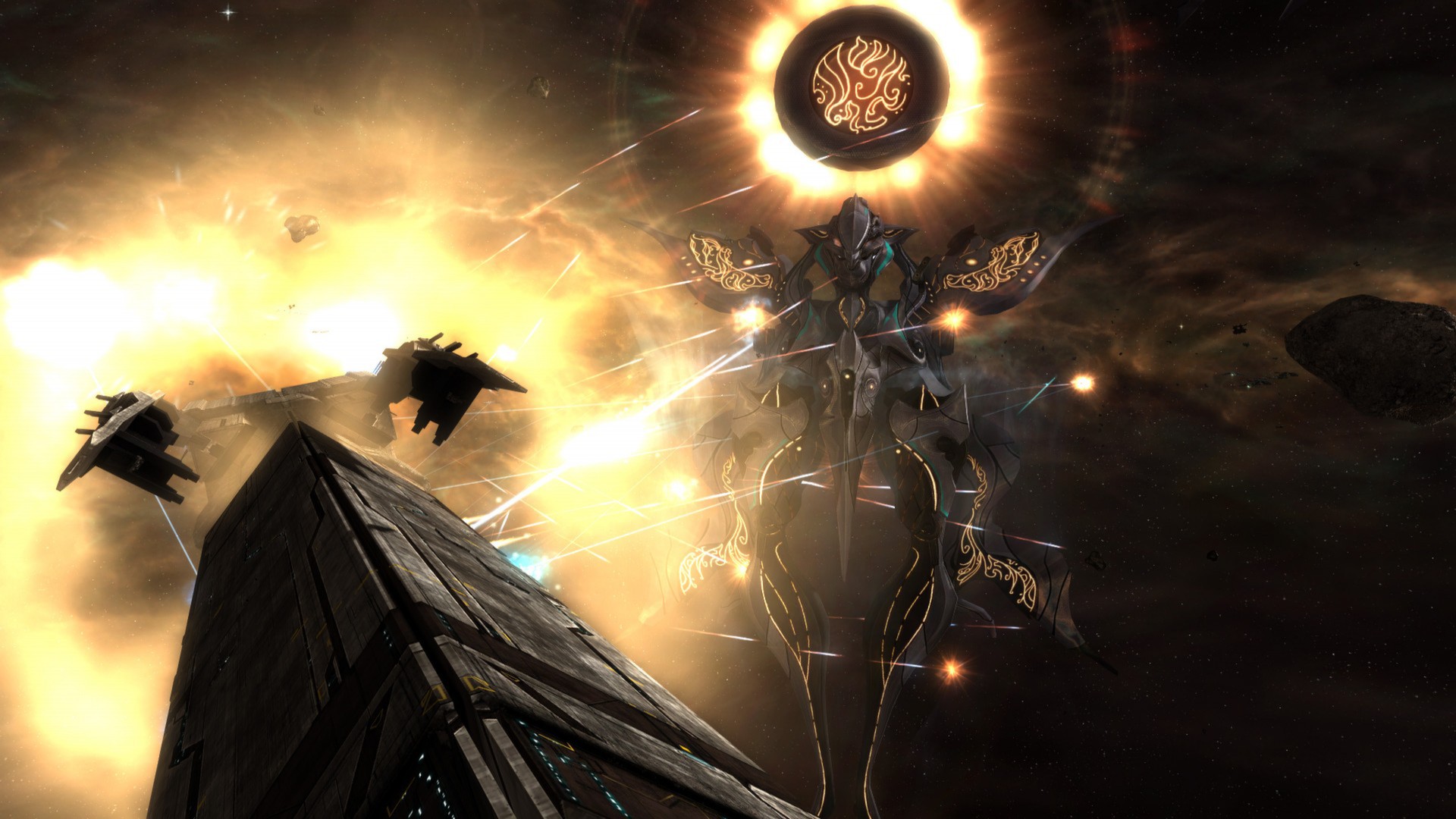
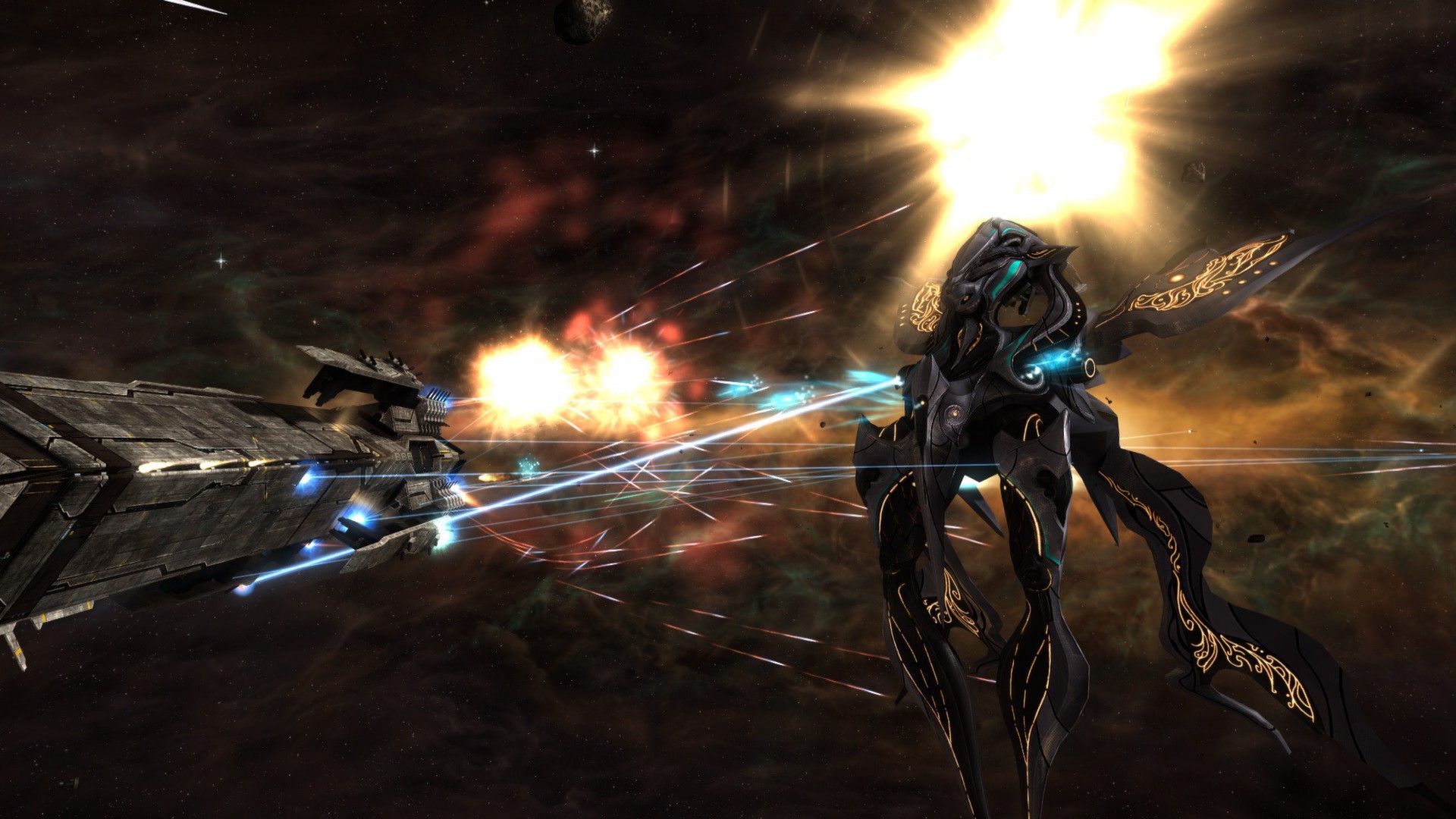
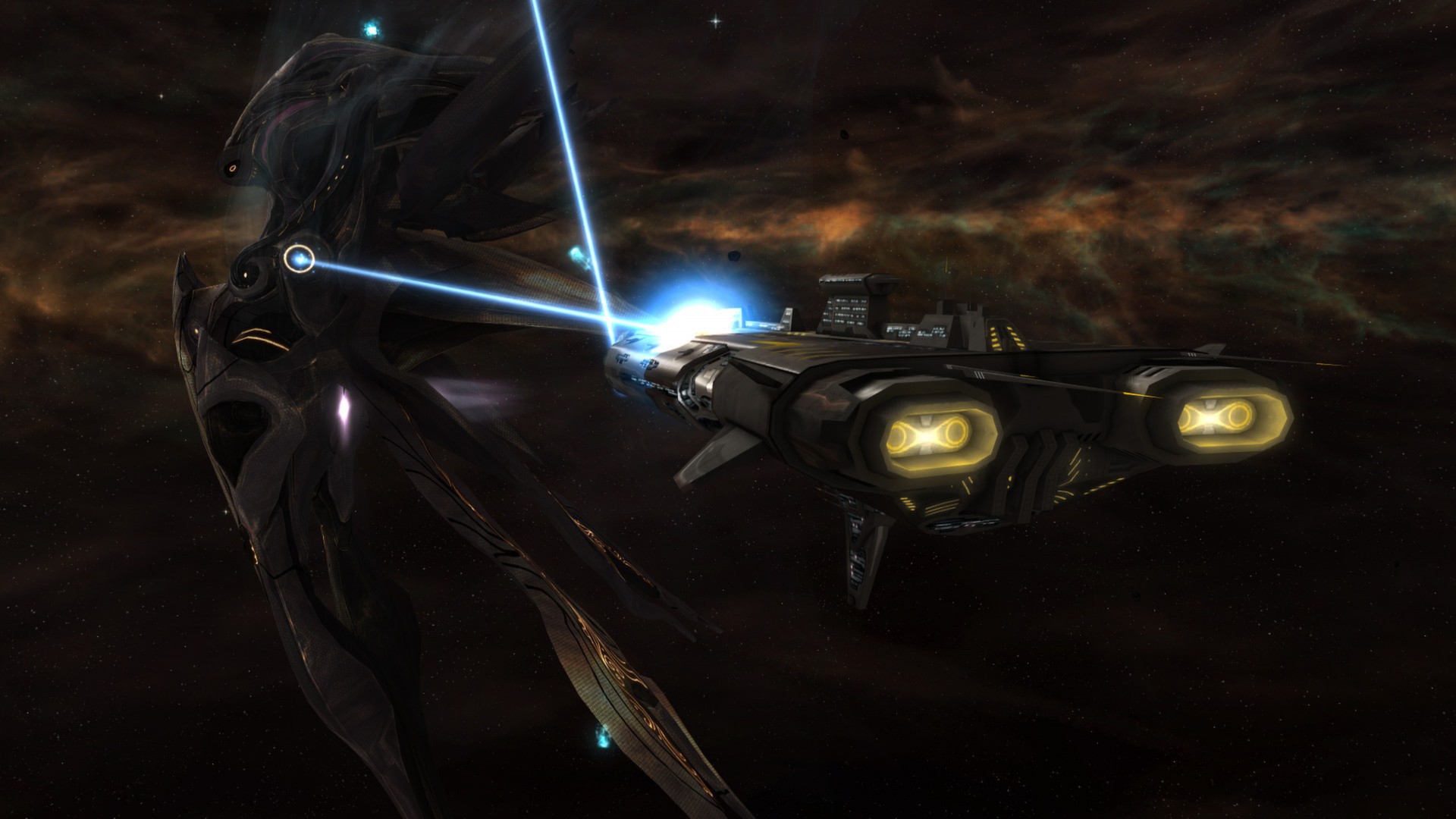
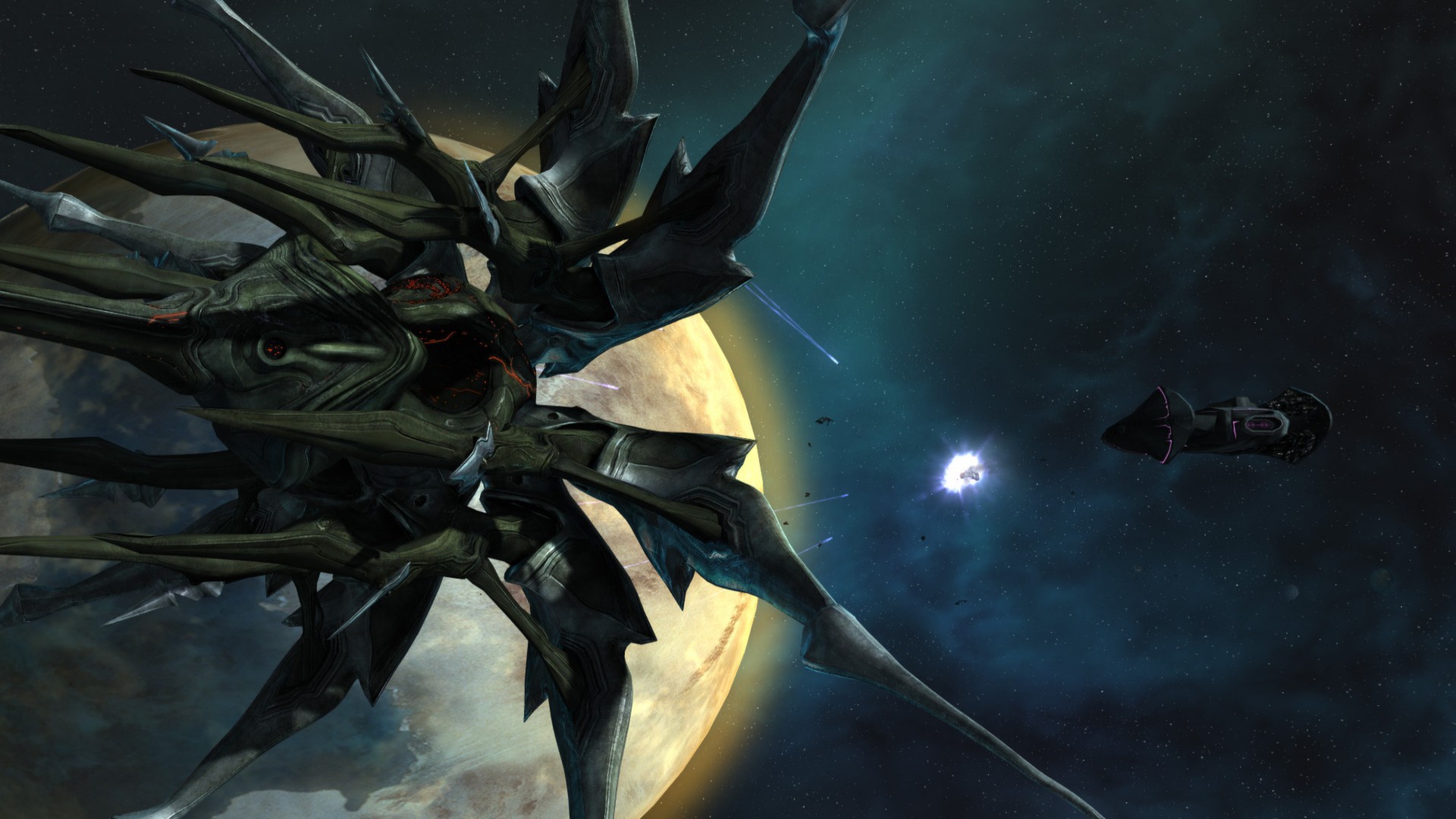
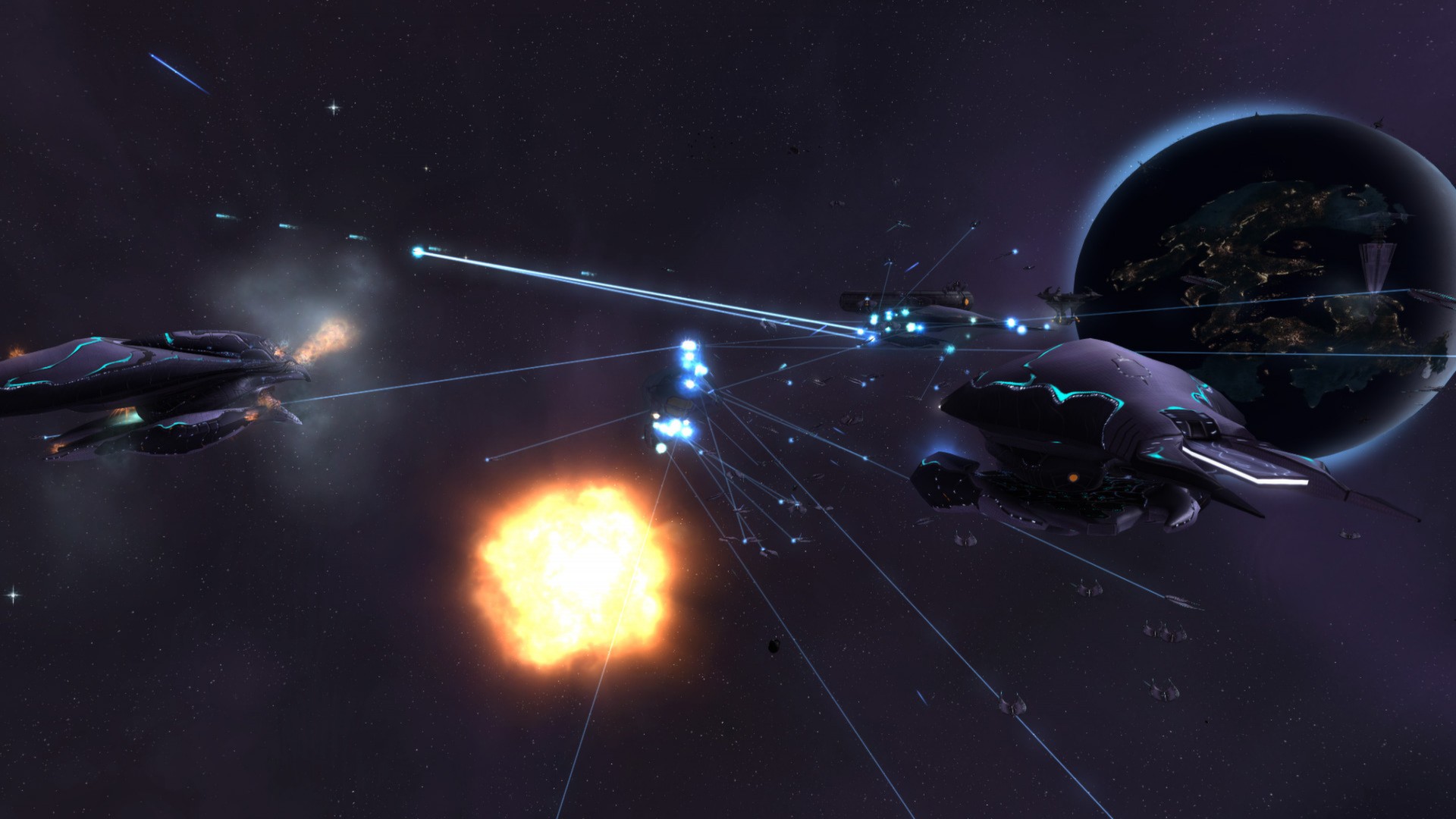
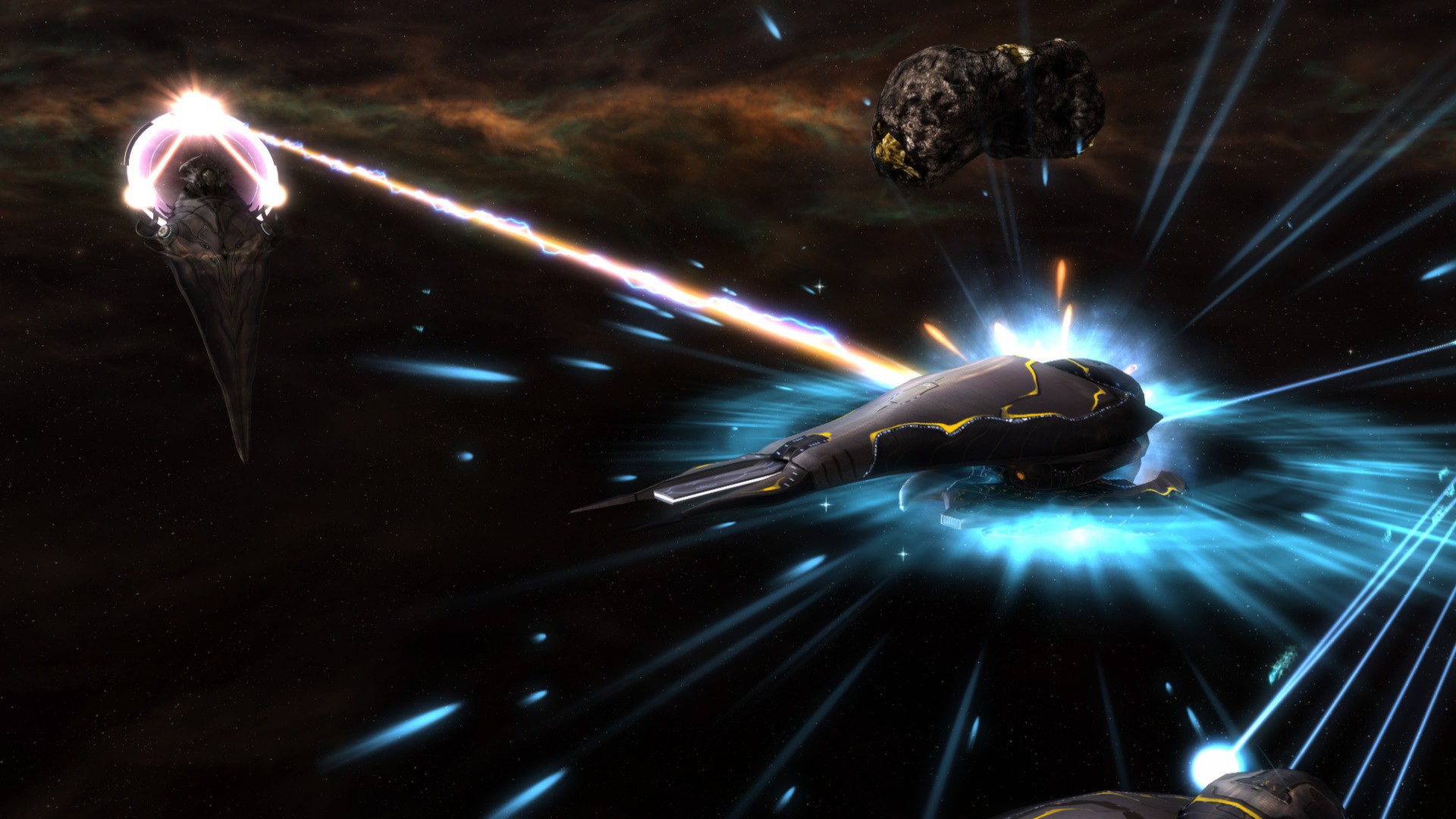
System requirements
Minimum
• OS *: Windows 10 / 8 / Windows 7 SP1 • Processor: 3 GHz Intel Pentium 4 Processor or Equivalent • Memory: 2 GB Available System Memory • Graphics: 256 MB Video Card w/Pixel Shader 3.0 Support (Radeon X1650 / GeForce 6800* or Better) • DirectX®: 9.0c • Hard Drive: 5 GB HD space • Sound: DirectX 9.0c Compatible Sound Card • Other Requirements: Keyboard and Mouse (w/scroll wheel), Broadband Internet connection for Multiplayer • * NVidia video chipsets must use driver version 296.10 or higher and mobile cards be set as the primary video chipset for the game.
Recommended
• Processor: Intel Core i5/i7 Processor or Equivalent • Memory: 4 GB Available System Memory • Graphics: 1 GB Video Card w/Pixel Shader 3.0 Support (Radeon X3000 Series / GeForce 8000* Series or Better) • Other Requirements:Broadband Internet connection.
Languages: English*, Japanese, Simplified Chinese, French*, Italian*, German*, Polish, Russian
How to activate
Steam
- Start Steam on your computer and sign in to the account you will play on.
- In the Games menu, choose Activate a Product on Steam. You can also start from Add a Game at the bottom left.
- Go through the introductory screens, review Steam’s terms and paste the complete key without surrounding spaces.
- Finish activation, then find the game in your Library and select Install.
More from the series
 РФ ✓Sins of a Solar Empire IISteamfrom $16.761,440 ₽4 offersРФ ✓Sins of a Solar Empire II (Premium Edition)Steamfrom $30.702,630 ₽3 offersРФ ✓Sins of a Solar Empire Rebellion Ultimate EditionSteamfrom $22.961,970 ₽
 РФ ✓Sins of a Solar Empire: Trinity®Steamfrom $2.21190 ₽
 РФ ✓Sins of a Solar Empire®: Rebellion - Original SoundtrackSteamfrom $4.41380 ₽
Game details from Steam.