

Stellaris: MegaCorp
- Genres
- Simulation · Strategy
- Release
- Dec 6, 2018
- Developer
- Paradox Development Studio
Lowest price across all offers
from $12.201,050 ₽
Offers
The price depends on the platform and the activation region.
- WorldwideWorks in Russia$12.201,050 ₽1
- EuropeNot for Russia$16.421,420 ₽1
- CISCIS region$22.811,960 ₽1
About the game
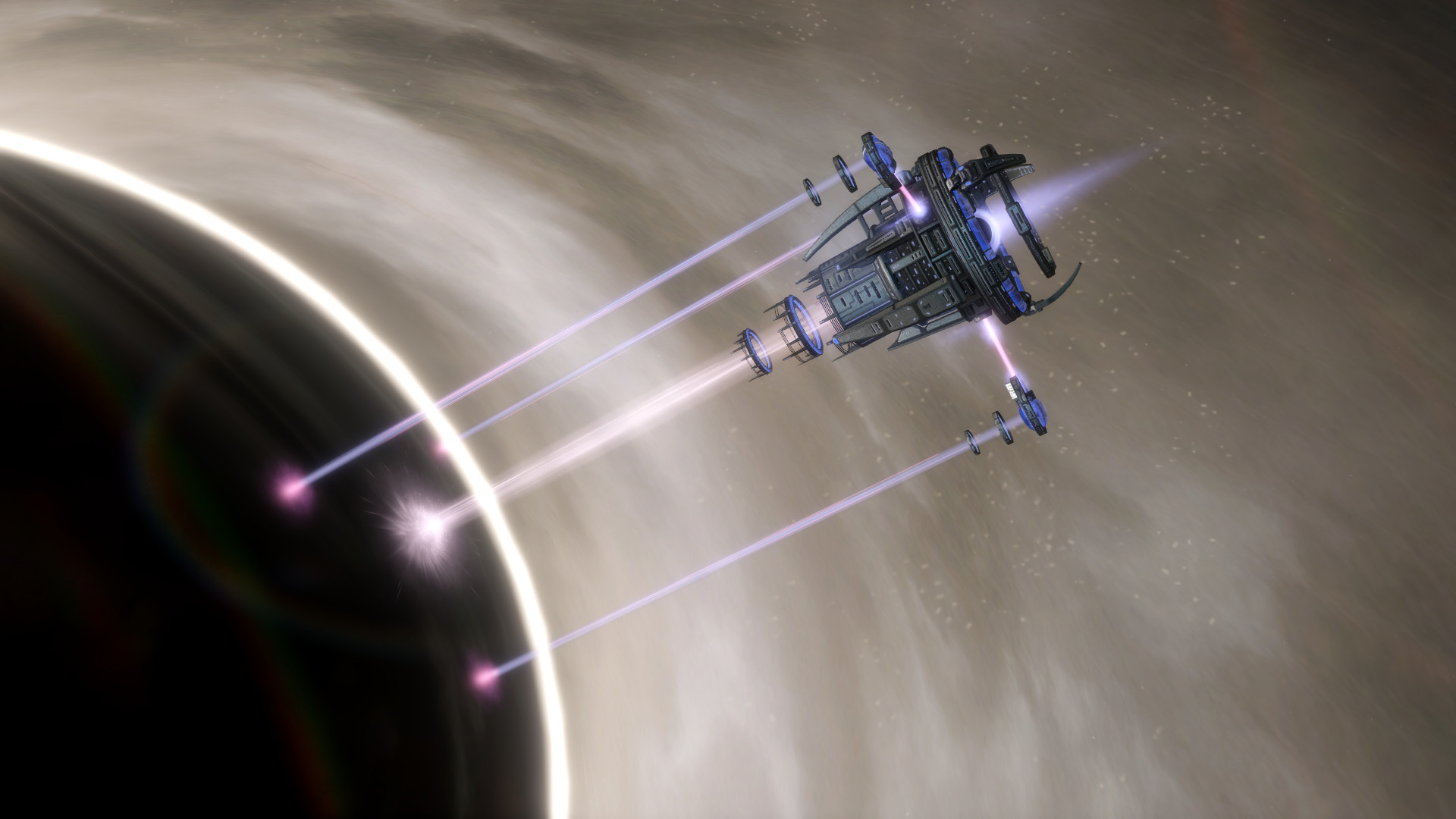
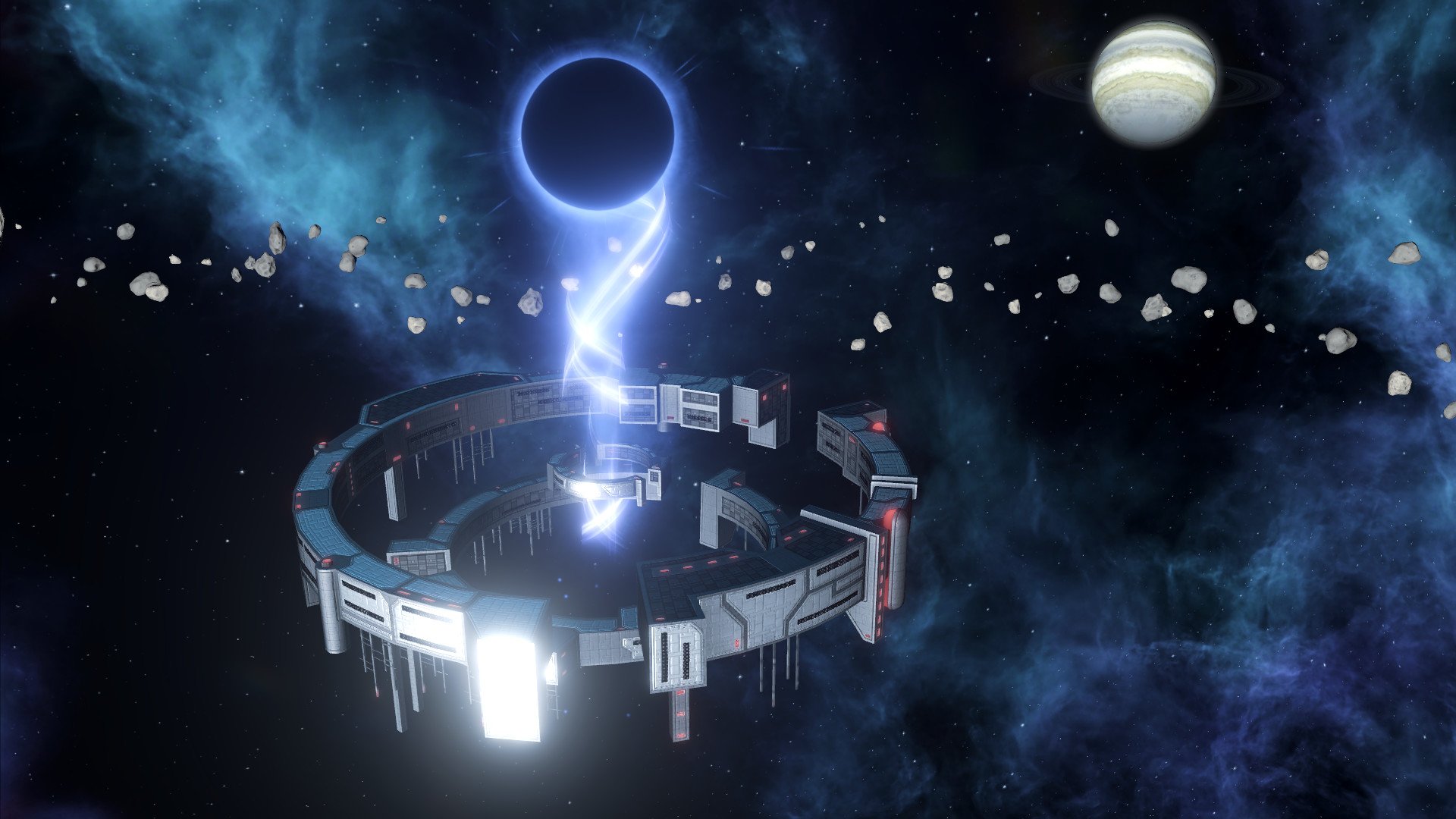
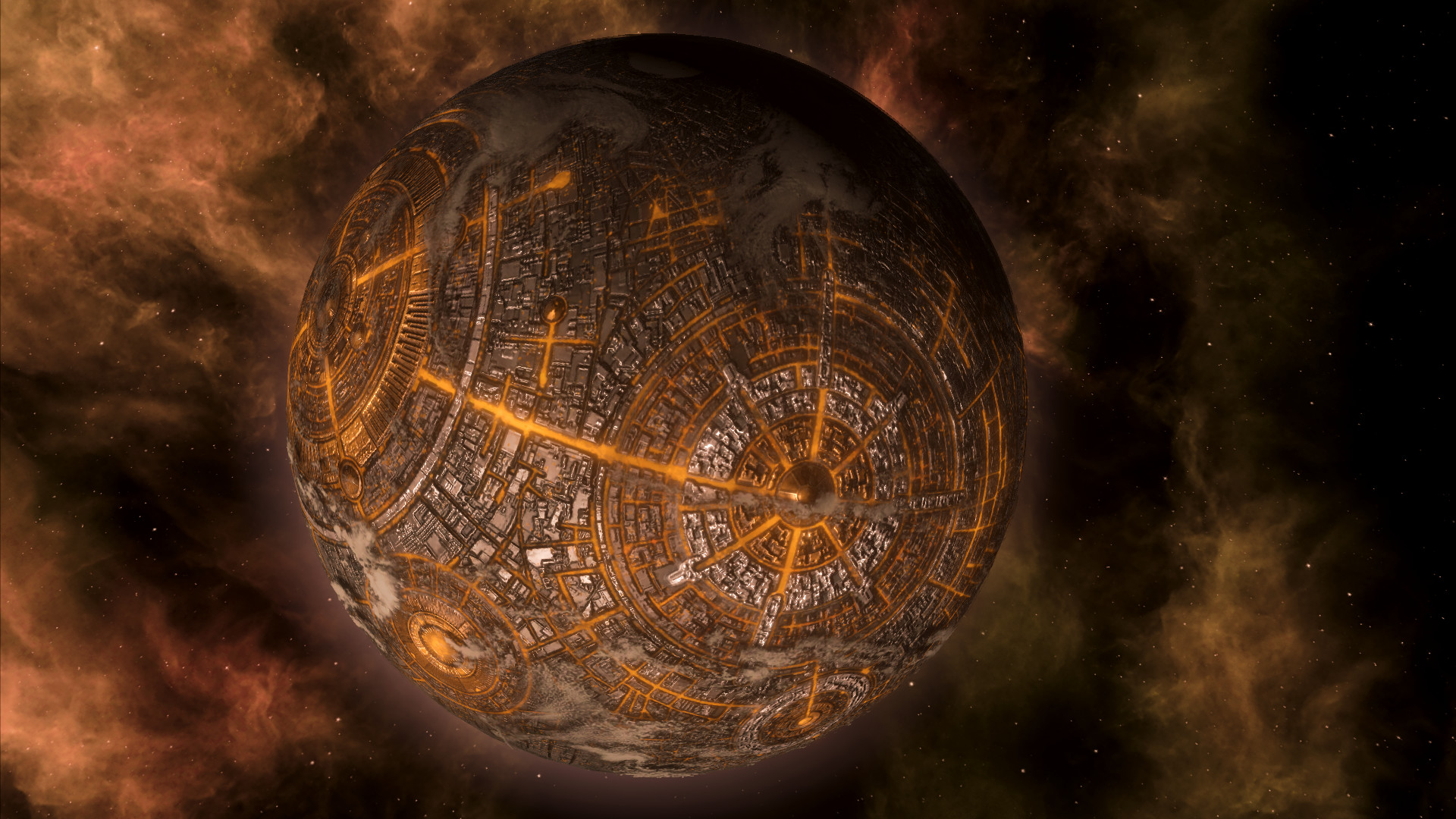
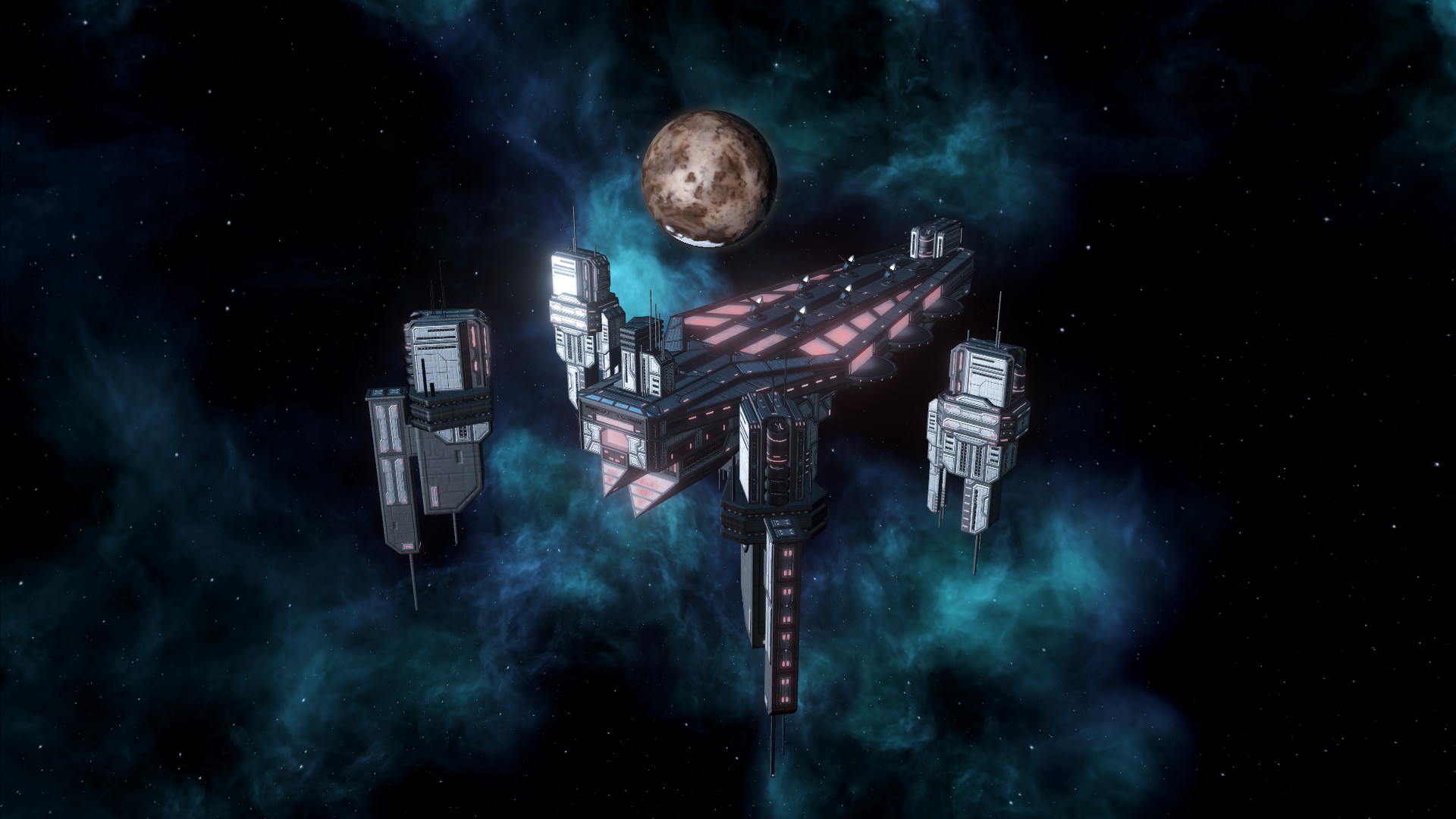
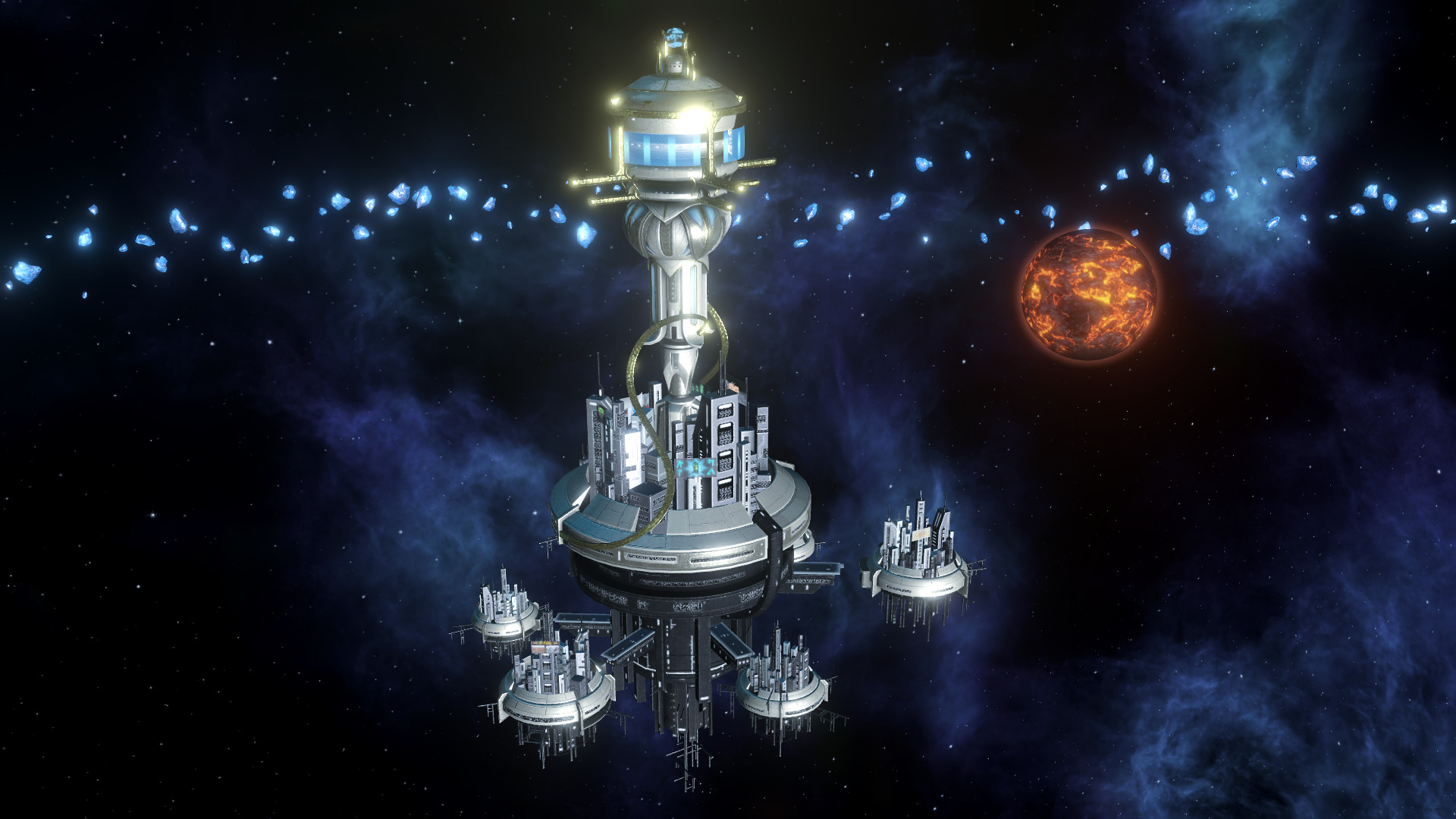
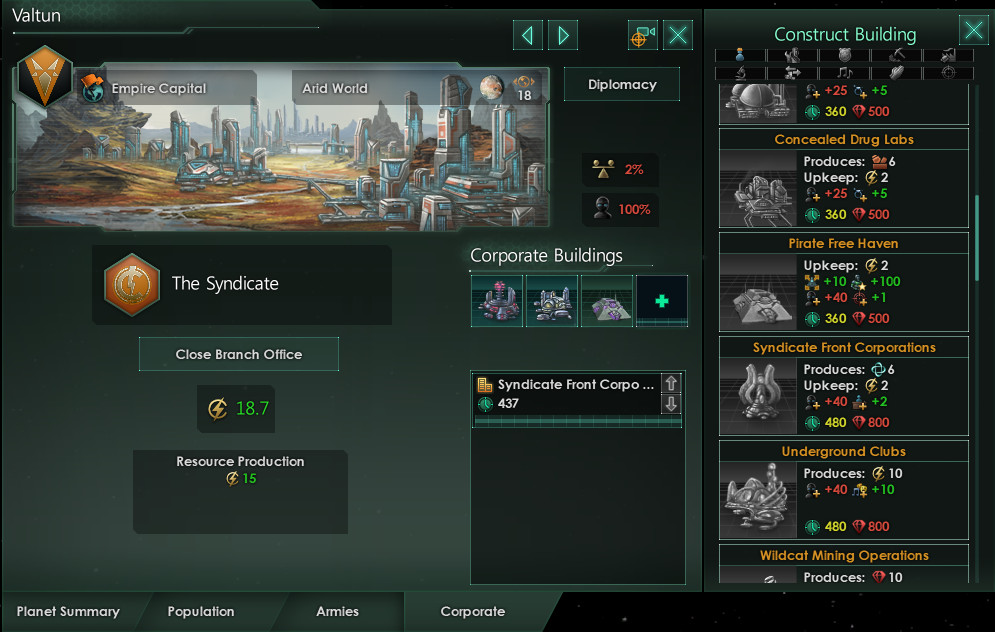
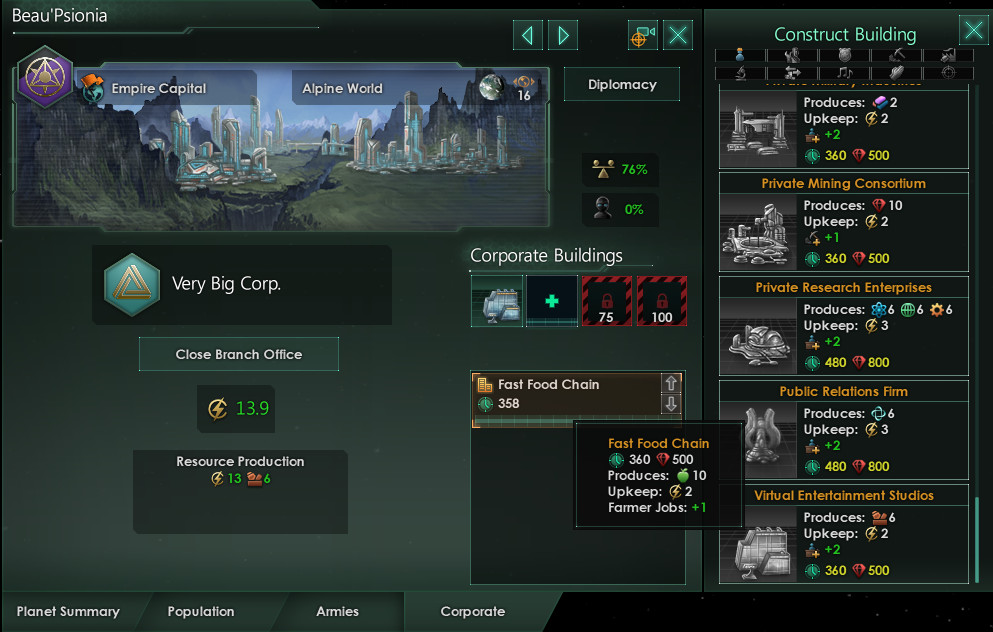
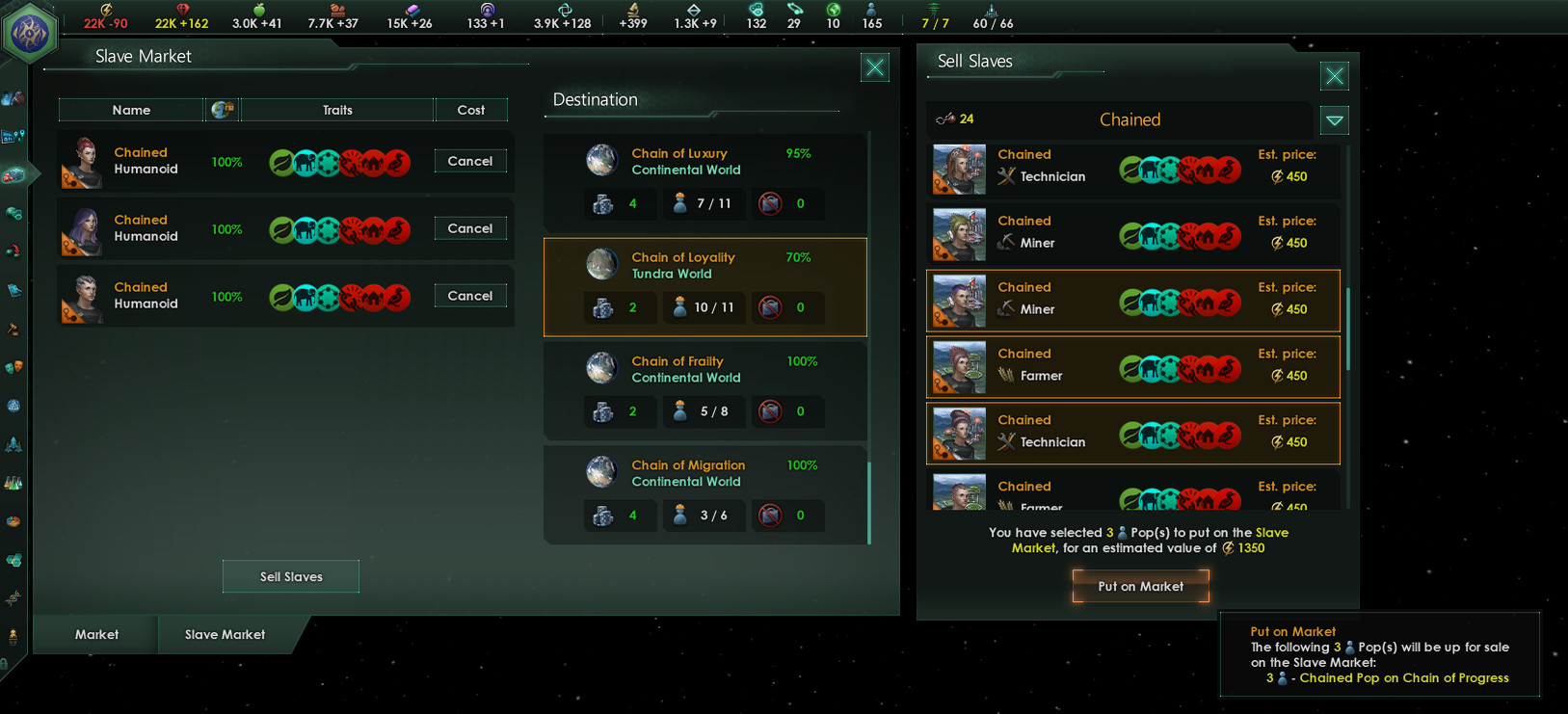
Stellaris: MegaCorp is the latest full expansion for Paradox Development Studio’s iconic sci-fi grand strategy game, which has players ushering in an era of prosperity and profit on a galactic scale. In this economy-focused expansion, players can become the CEO of a powerful corporate empire to expand operations across the stars.
Screenshots
System requirements
Minimum
• OS *: Windows® 7 SP1 64 Bit • Processor: Intel® iCore™ i3-530 or AMD® FX-6350 • Memory: 4 GB RAM • Graphics: Nvidia® GeForce™ GTX 460 or AMD® ATI Radeon™ HD 5870 (1GB VRAM), or AMD® Radeon™ RX Vega 11 or Intel® HD Graphics 4600 • DirectX: Version 9.0c • Network: Broadband Internet connection • Storage: 10 GB available space • Sound Card: Direct X 9.0c- compatible sound card • Additional Notes: Controller support: 3-button mouse, keyboard and speakers. Special multiplayer requirements: Internet Connection
Recommended
• OS: Windows® 10 Home 64 Bit • Processor: Intel® iCore™ i5-3570K or AMD® Ryzen™ 5 2400G • Memory: 4 GB RAM • Graphics: Nvidia® GeForce™ GTX 560 Ti (1GB VRAM) or AMD® Radeon™ R7 370 (2 GB VRAM) • DirectX: Version 9.0c • Network: Broadband Internet connection • Storage: 10 GB available space • Sound Card: DirectX 9.0c-compatible sound card • Additional Notes: Controller support: 3-button mouse, keyboard and speakers. Special multiplayer requirements: Internet Connection
Languages: English, French, German, Spanish - Spain, Polish, Portuguese - Brazil, Russian, Simplified Chinese, Japanese, Korean
How to activate
Steam
- Start Steam on your computer and sign in to the account you will play on.
- In the Games menu, choose Activate a Product on Steam. You can also start from Add a Game at the bottom left.
- Go through the introductory screens, review Steam’s terms and paste the complete key without surrounding spaces.
- Finish activation, then find the game in your Library and select Install.
More from the series
 РФ ✓StellarisSteamfrom $11.851,020 ₽4 offersРФ ✓Stellaris (Galaxy Edition)Steamfrom $11.931,030 ₽3 offersРФ ✓Stellaris: New Player EditionSteamfrom $34.802,990 ₽3 offersРФ ✓Stellaris - Digital Anniversary EditionSteamfrom $26.722,300 ₽Stellaris (Console Edition) (Xbox One)Xboxfrom $15.721,360 ₽Stellaris - Anniversary EditionSteamfrom $72.416,230 ₽РФ ✓Stellaris: Starter EditionSteamfrom $26.832,310 ₽РФ ✓Stellaris (Explorer Edition)Steamfrom $48.664,190 ₽
Game details from Steam.